
04 · IconsFolder: 05 Icons
Icons
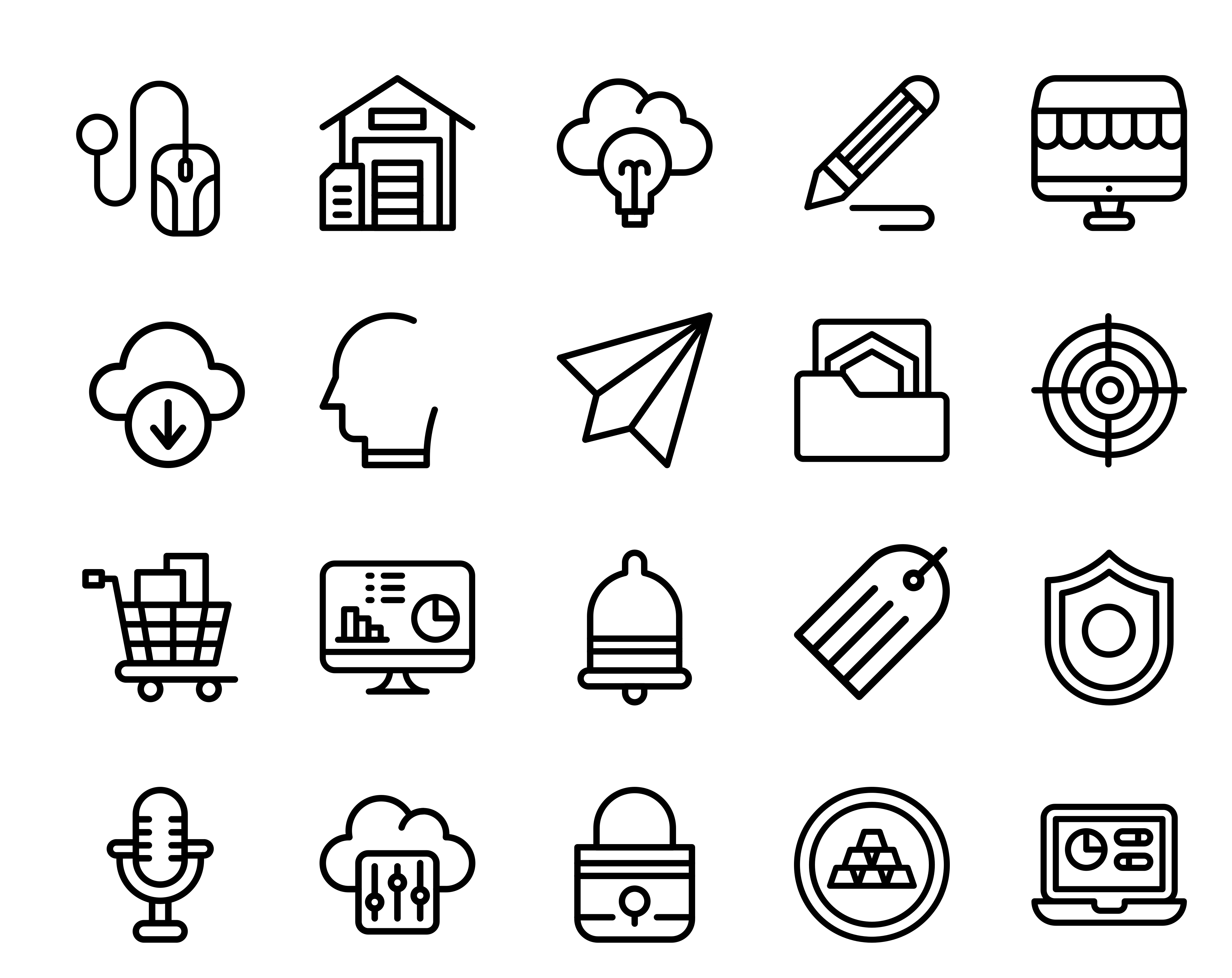
Simple, clean strokes that stay legible at small sizes and match the logo's confidence. Black wherever possible, brand colors when the layout needs them.
Icon set, all formatsSVG, EPS and Illustrator files. 9 files.



Do
- Draw icons with simple, even strokes.
- Use black first. Add brand colors where they help.
- Keep the set consistent in weight and corner style.
Don't
- Fill shapes, add textures or decorative effects.
- Introduce colors outside the palette.
- Mix in icons from other sets.
Every file in this folder9 files
| Type | File | Size | |
|---|---|---|---|
| eps | Icons copy-01.eps | 5.6 MB | Download |
| svg | Icons copy-01.svg | 49 KB | Download |
| eps | Icons copy-02.eps | 5.6 MB | Download |
| svg | Icons copy-02.svg | 44 KB | Download |
| eps | Icons copy-03.eps | 5.6 MB | Download |
| svg | Icons copy-03.svg | 49 KB | Download |
| eps | Icons copy-04.eps | 5.5 MB | Download |
| svg | Icons copy-04.svg | 35 KB | Download |
| ai | Icons.ai | 772 KB | Download |