
07 · PhotosFolder: 08 Photos
Photography
Authentic over aspirational. Real people doing real work, shot documentary-style, never staged commercial. People should look like they belong in the room and in the story.
People first
Direct eye contact, confident and dignified posture. A mix of single portraits and teamwork. Moments of focus, problem-solving and skill.
Tone
Determined, not desperate. Focused, not frustrated. Capable, not uncertain. Proud, not arrogant. Engaged, not performing.
Places
Factory floors, construction sites, classrooms, workshops, coffee shops and offices, in natural light mixed with workplace light.
The brand filter
If a photo's colors don't sit close to the logo colors, apply a filter. Four looks are approved.
Original + 30% blackBetter text visibility without losing the photo's originality.
Darker colors, multiply100% opacity. Puts the emphasis on the text while the photo supports it.
Lighter colors, less opacityKeeps the photo and its legibility while bringing brand color into the image.
Gradient multiply100% opacity. The signature look: brand gradient over the photo, with room for text.
Filtered photos, RGB 72 dpi (screens)
Filtered photos, RGB 72 dpiBrand-filtered photos sized for screens. 12 files.
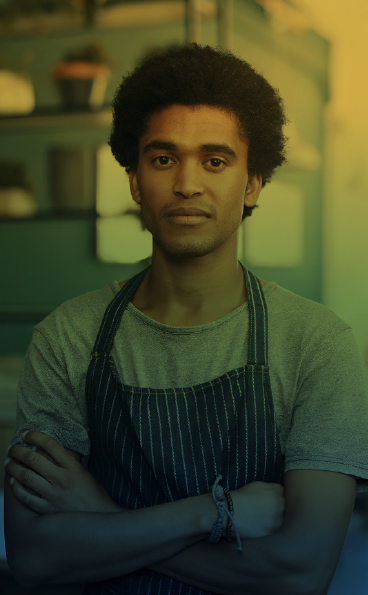
Filtered 01Download
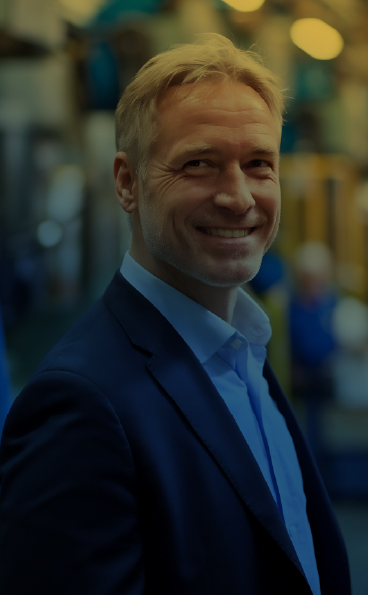
Filtered 02Download

Filtered 03Download
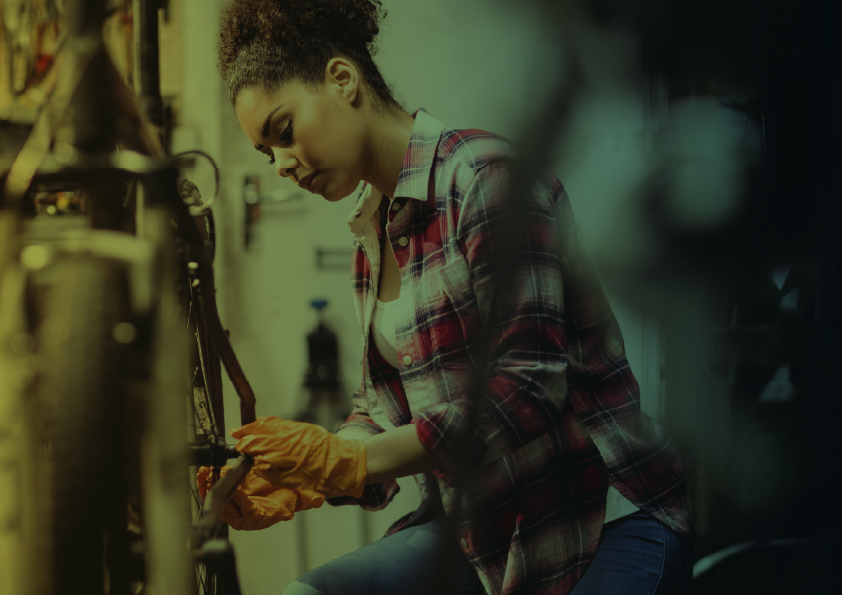
Filtered 04Download
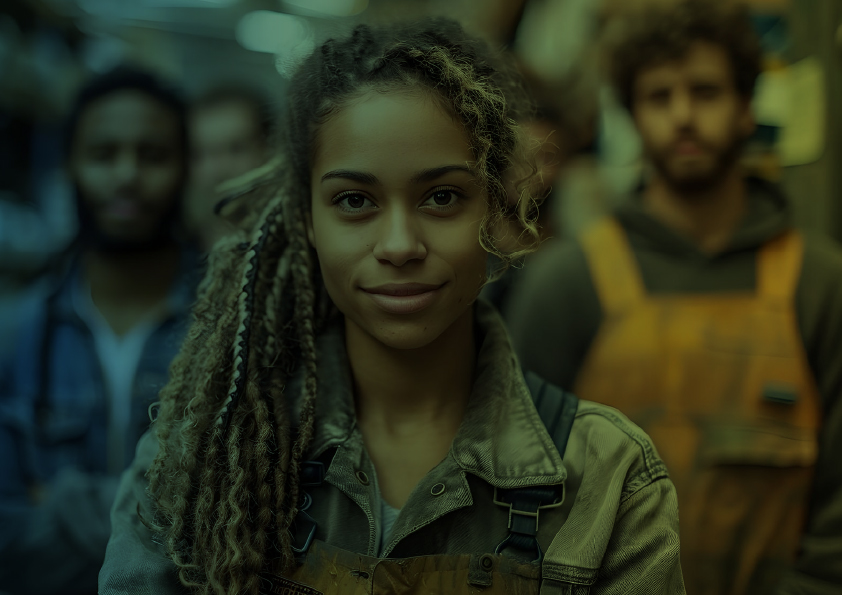
Filtered 05Download

Filtered 06Download
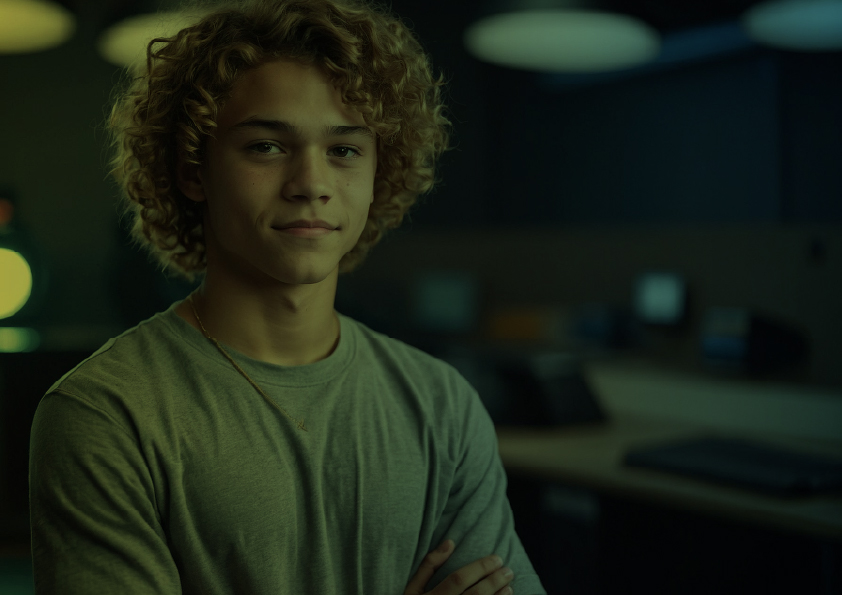
Filtered 07Download
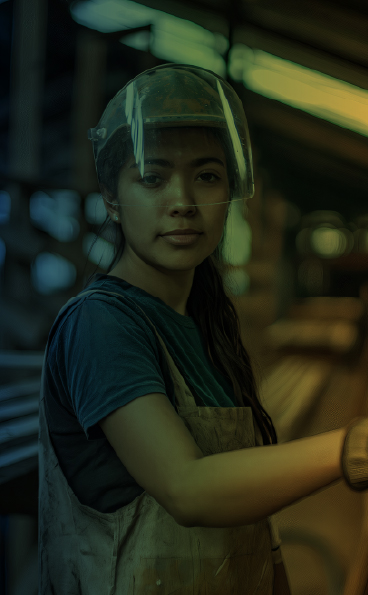
Filtered 08Download

Filtered 09Download

Filtered 10Download
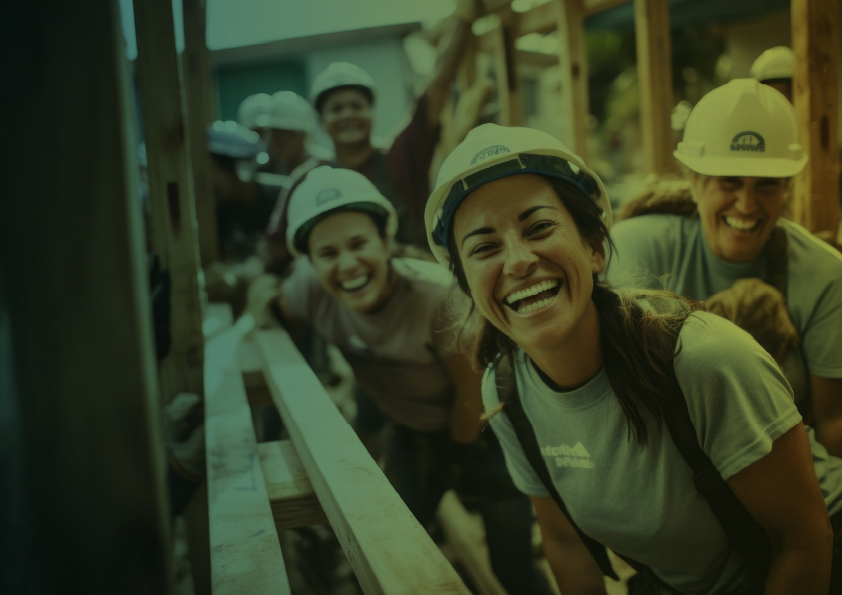
Filtered 12Download

Filtered 13Download
Filtered photos, CMYK 300 dpi (print)
Filtered photos, CMYK 300 dpiBrand-filtered photos sized for print. 12 files. Split into 2 parts so each download stays small.
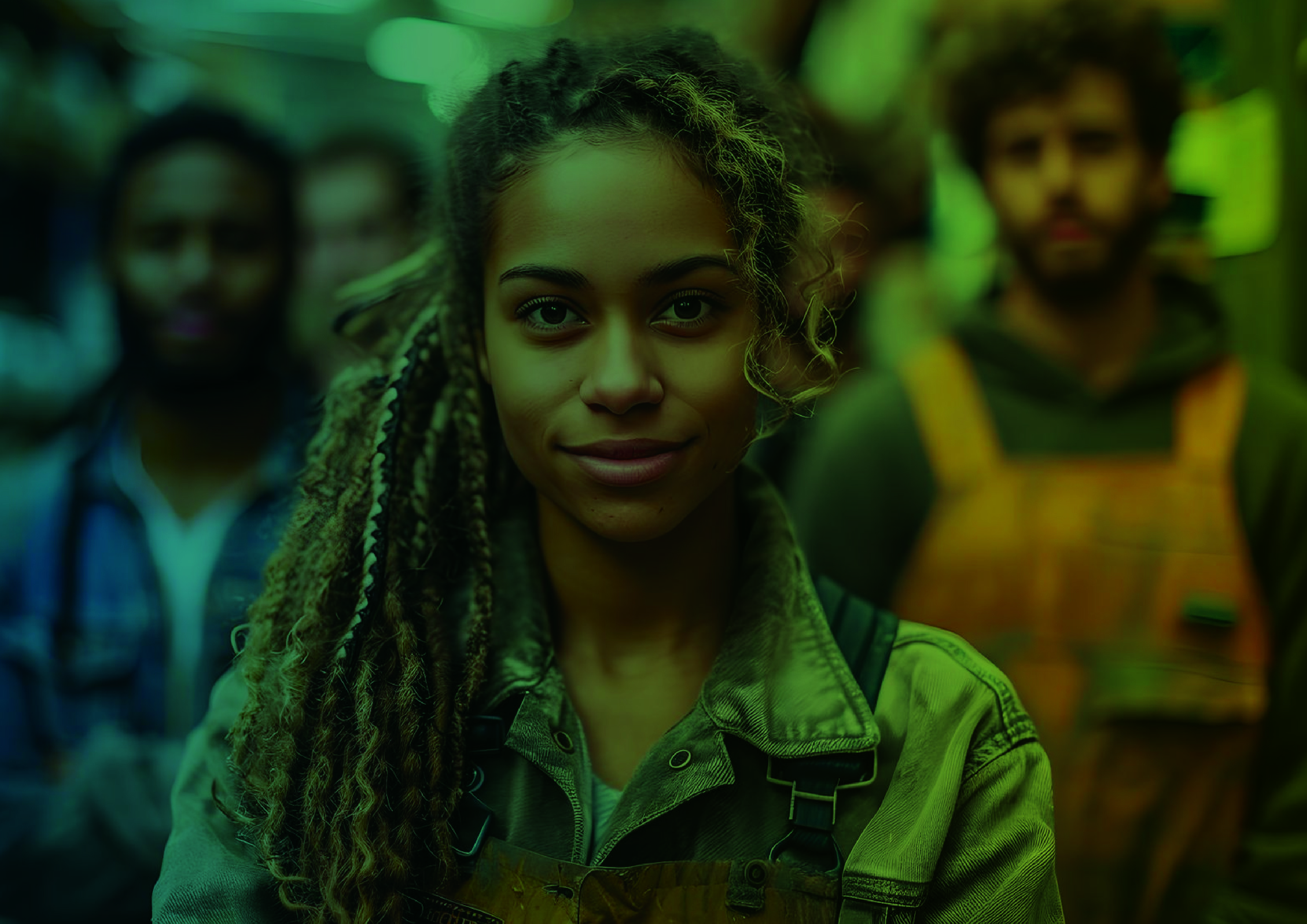
Filtered 01, printDownload
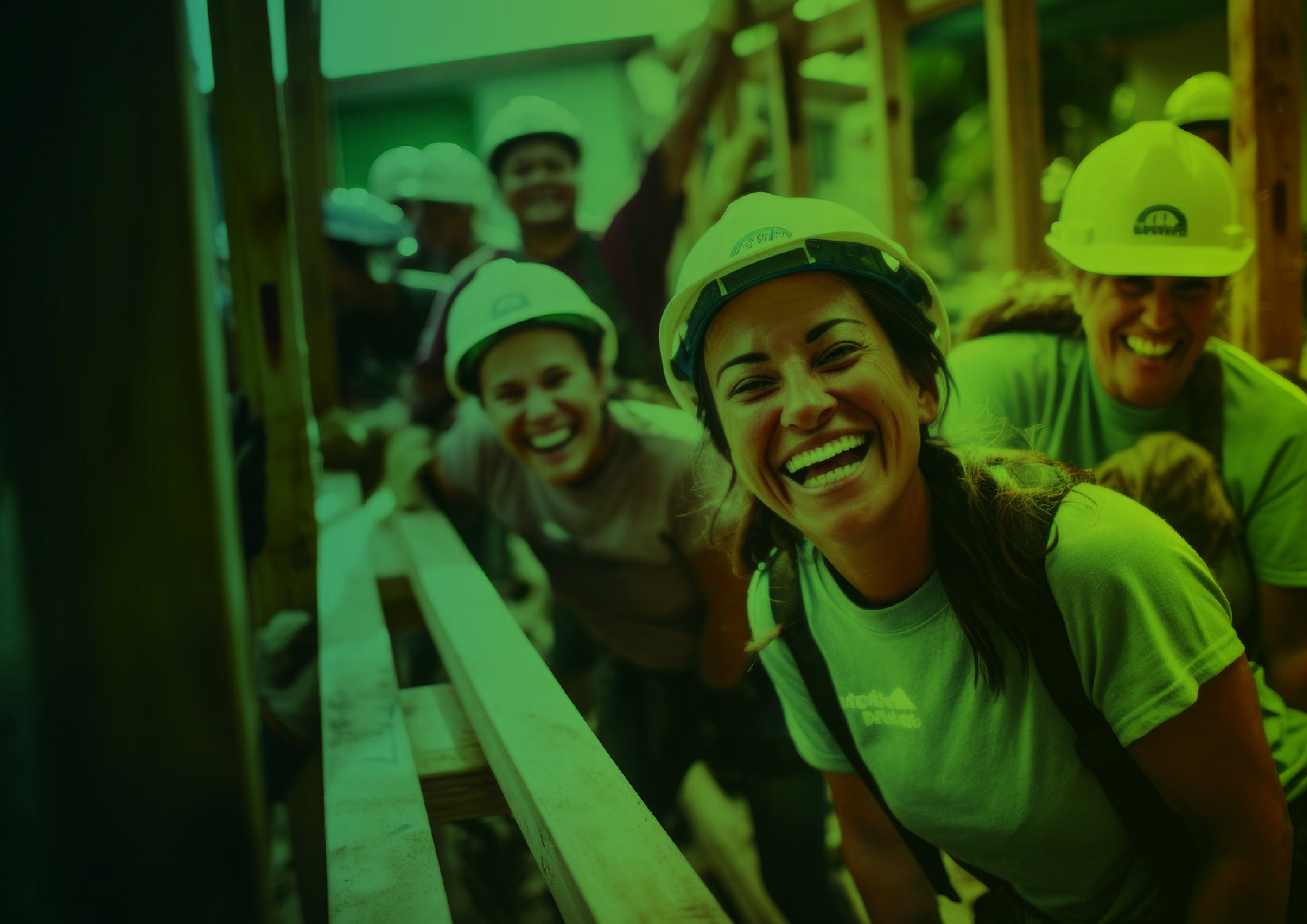
Filtered 02, printDownload
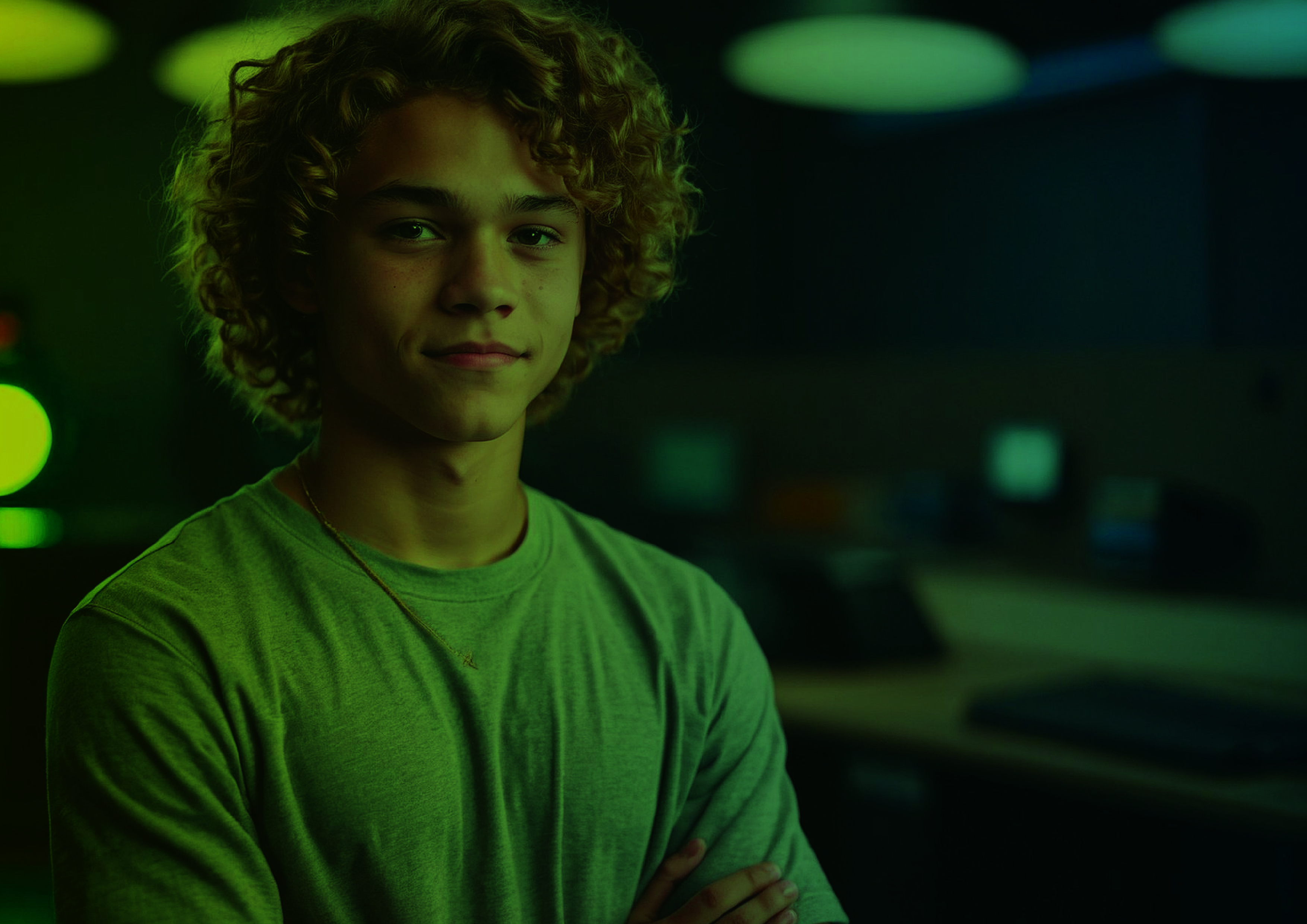
Filtered 03, printDownload

Filtered 04, printDownload
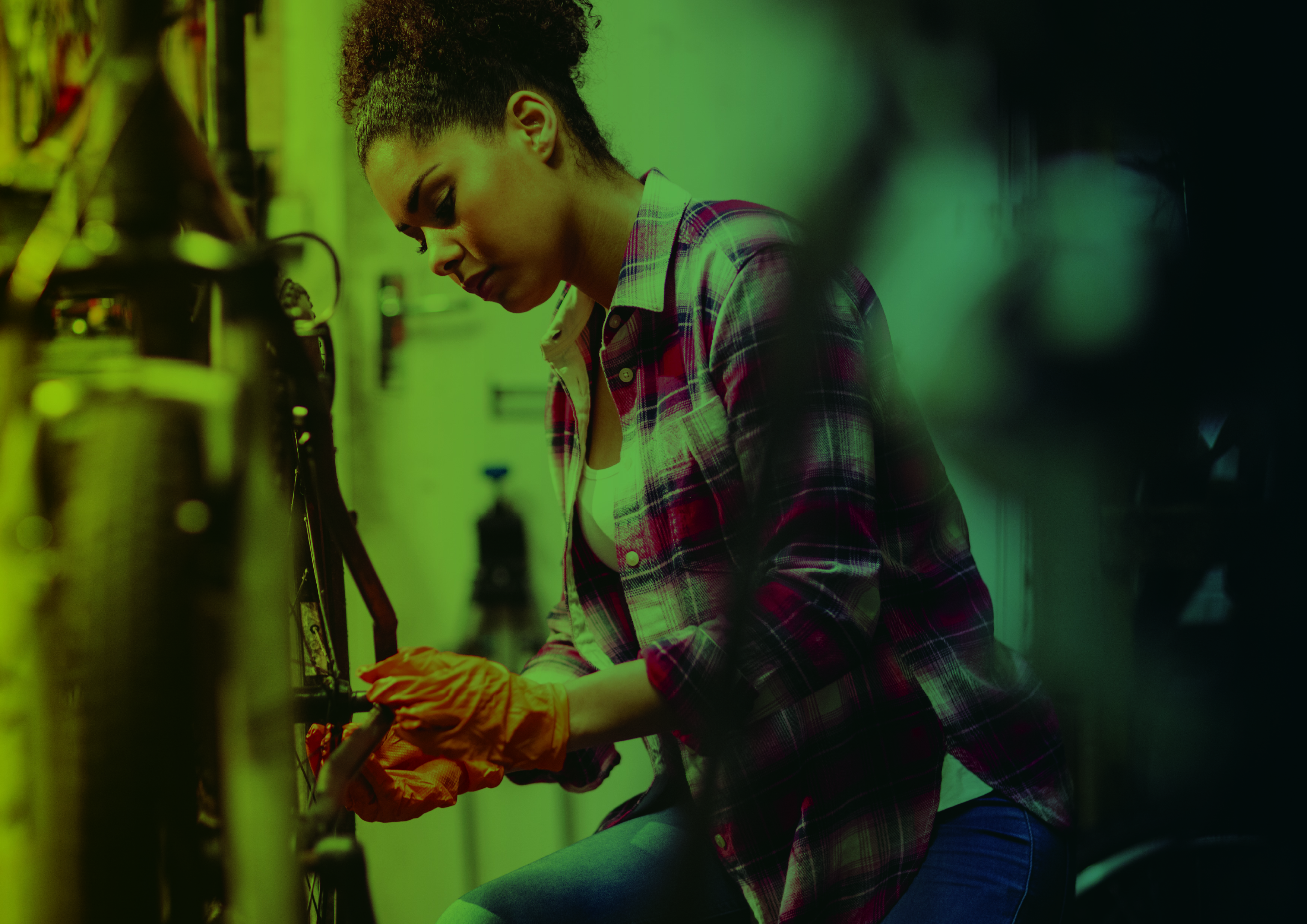
Filtered 05, printDownload

Filtered 06, printDownload
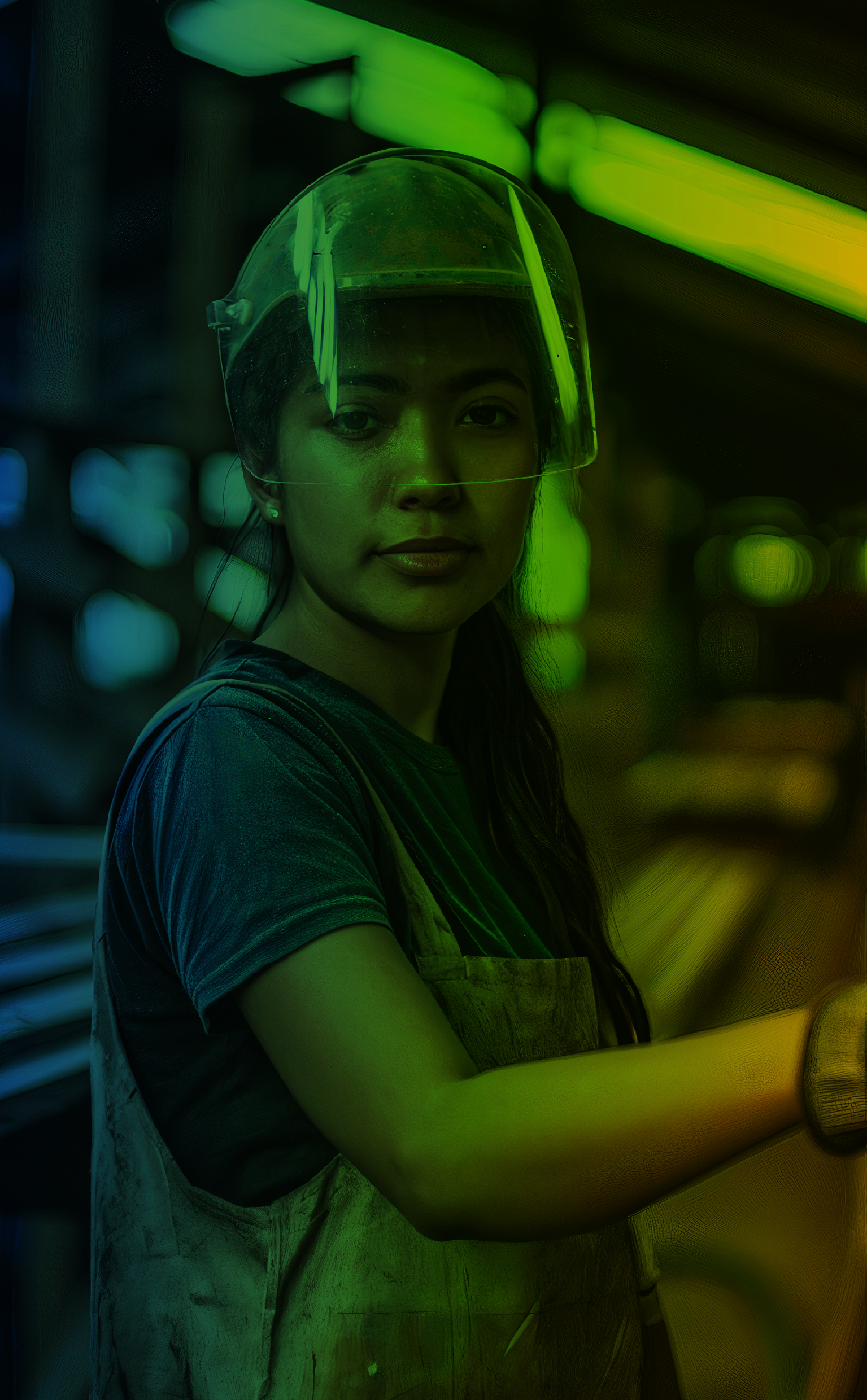
Filtered 07, printDownload

Filtered 08, printDownload

Filtered 09, printDownload
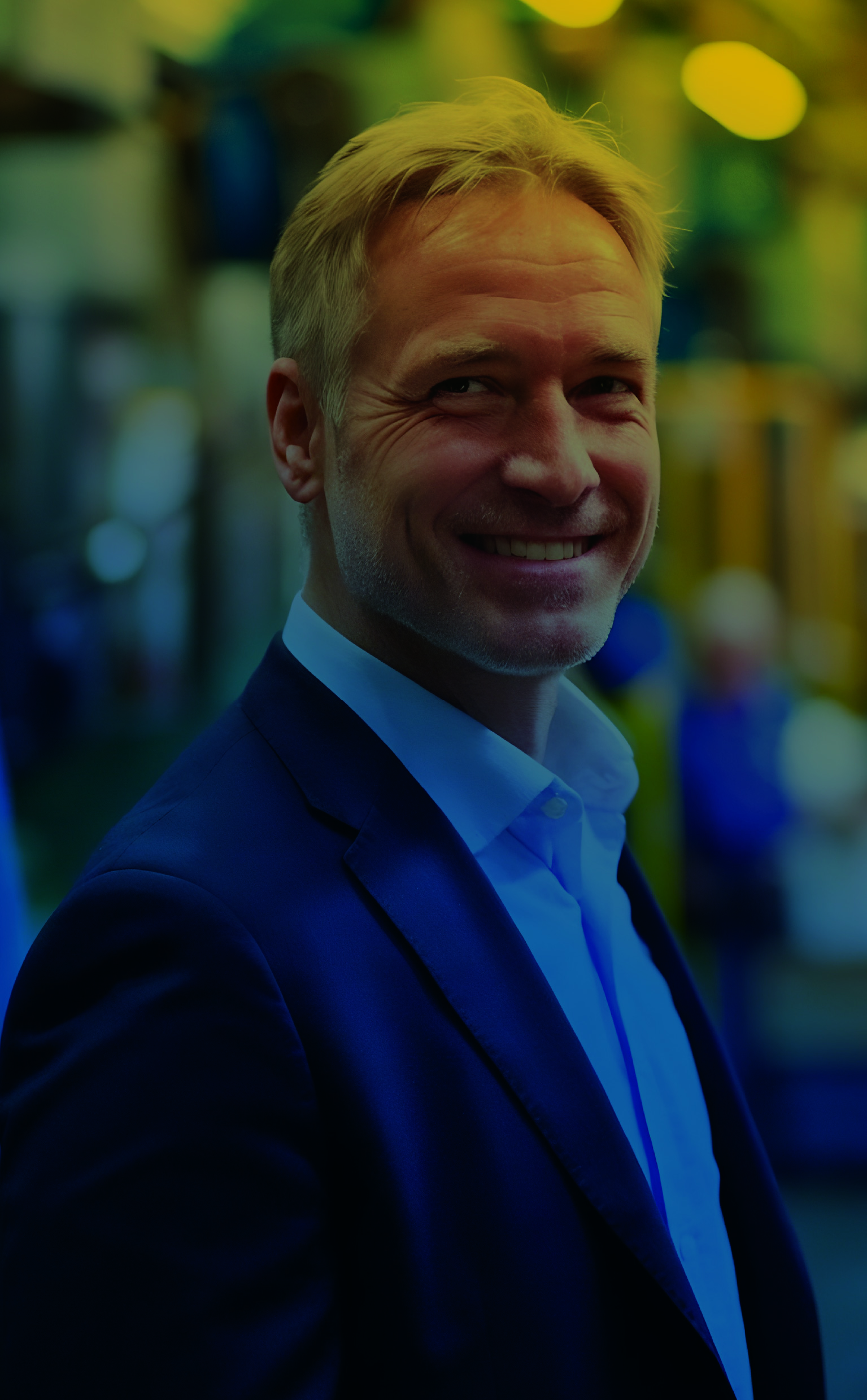
Filtered 10, printDownload
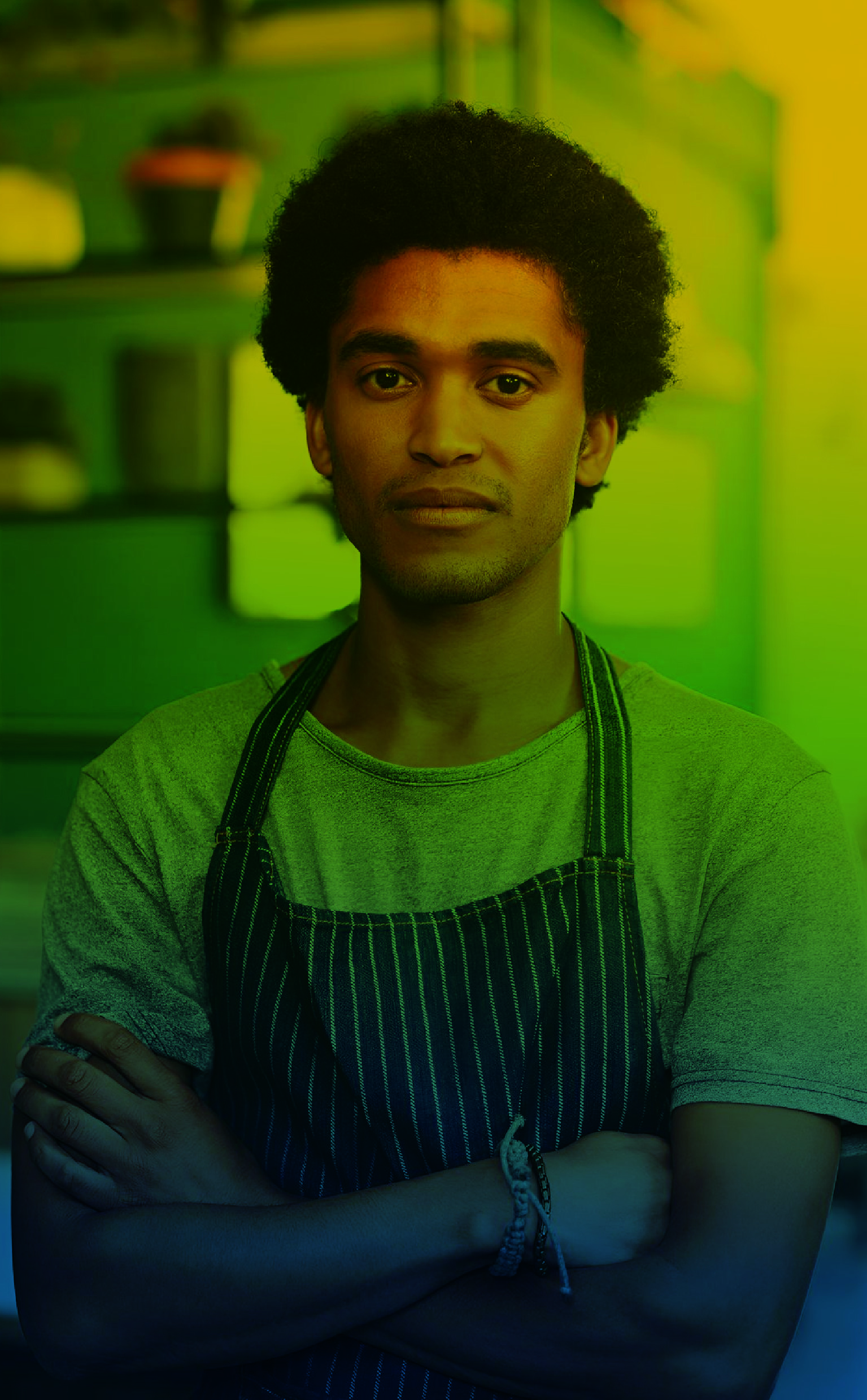
Filtered 11, printDownload

Filtered 12, printDownload
Original photos
Original photosThe 21 unfiltered photos. 21 files. Split into 3 parts so each download stays small.
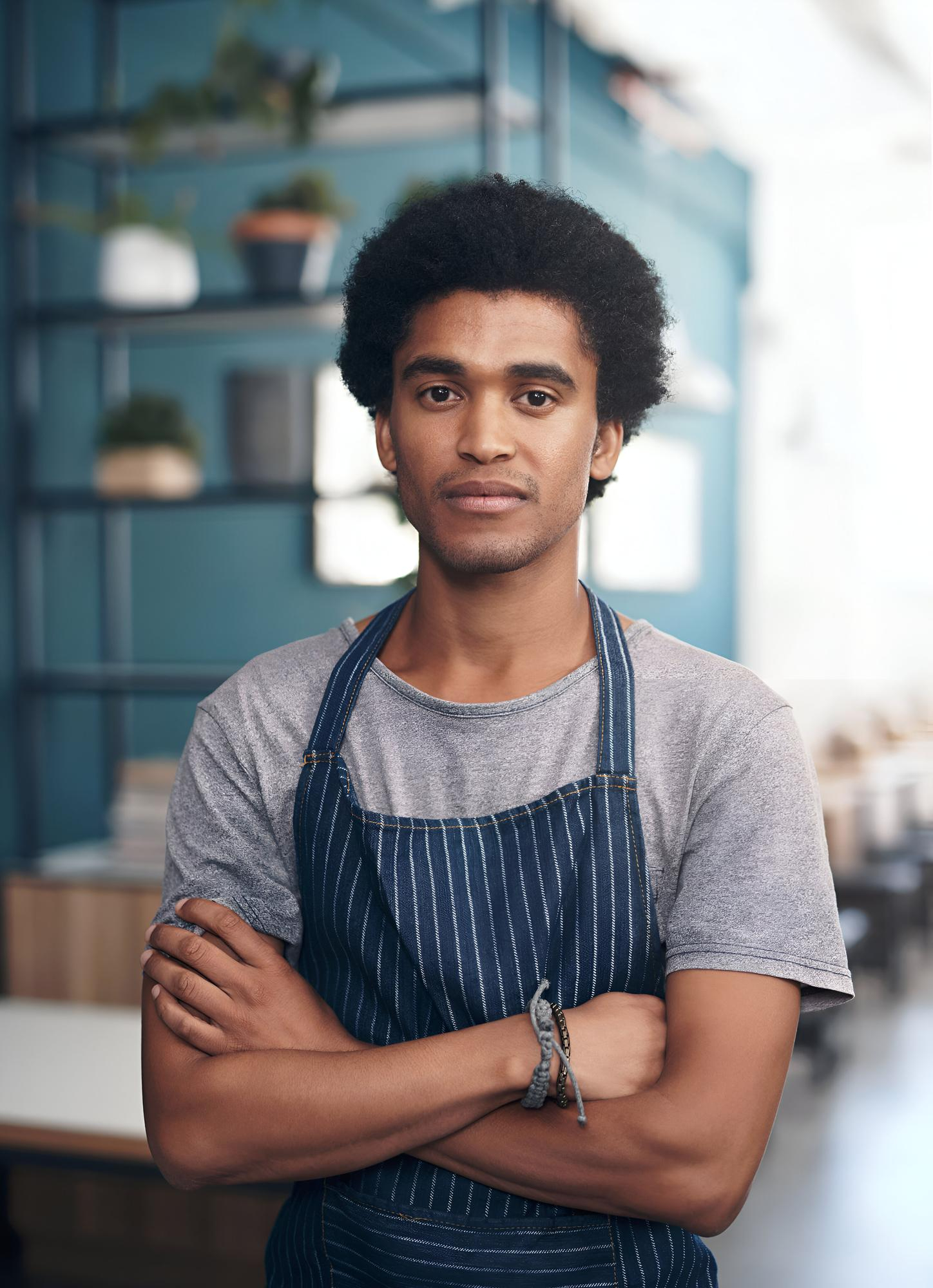
Original 01Download
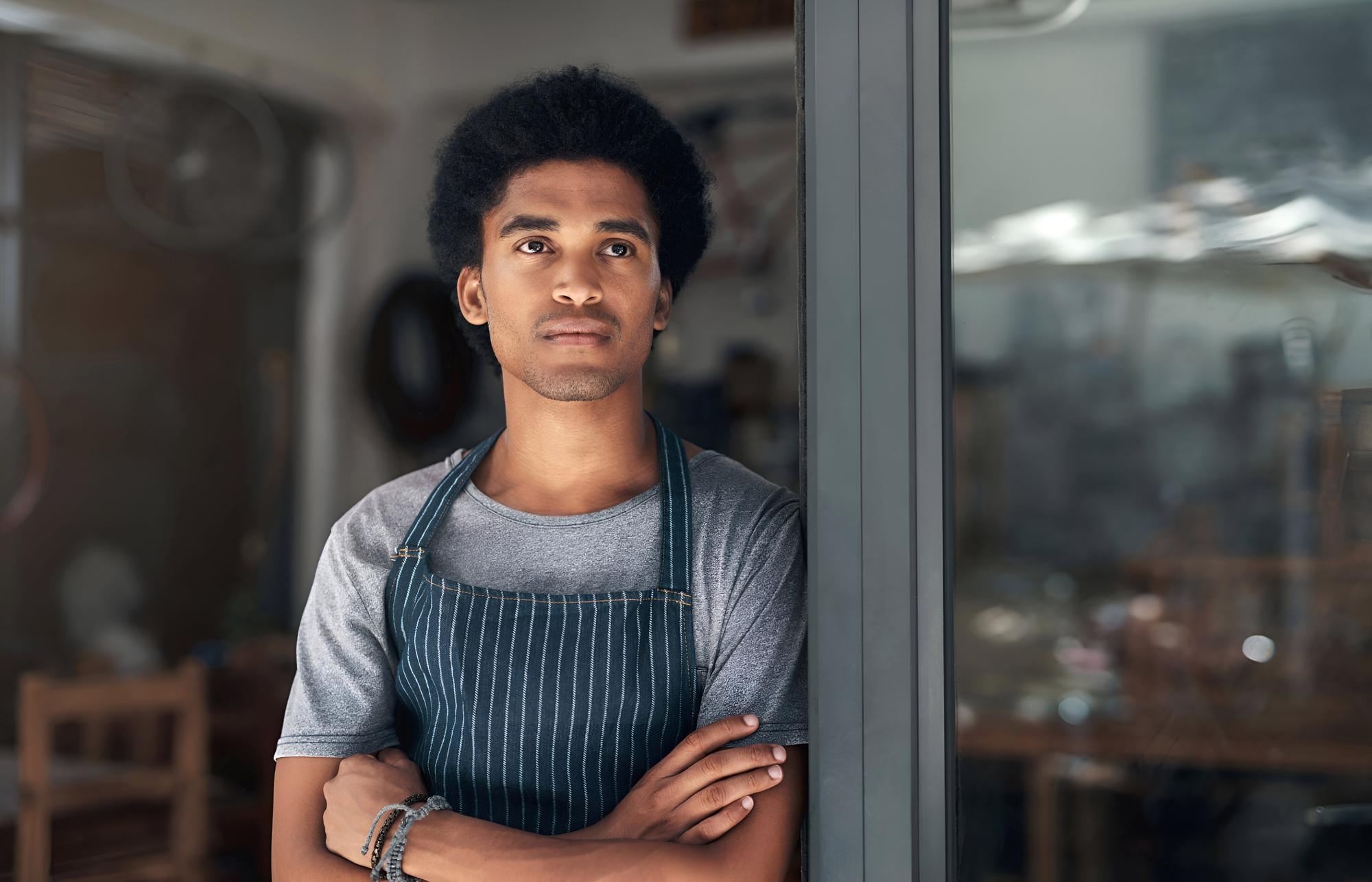
Original 02Download

Original 03Download
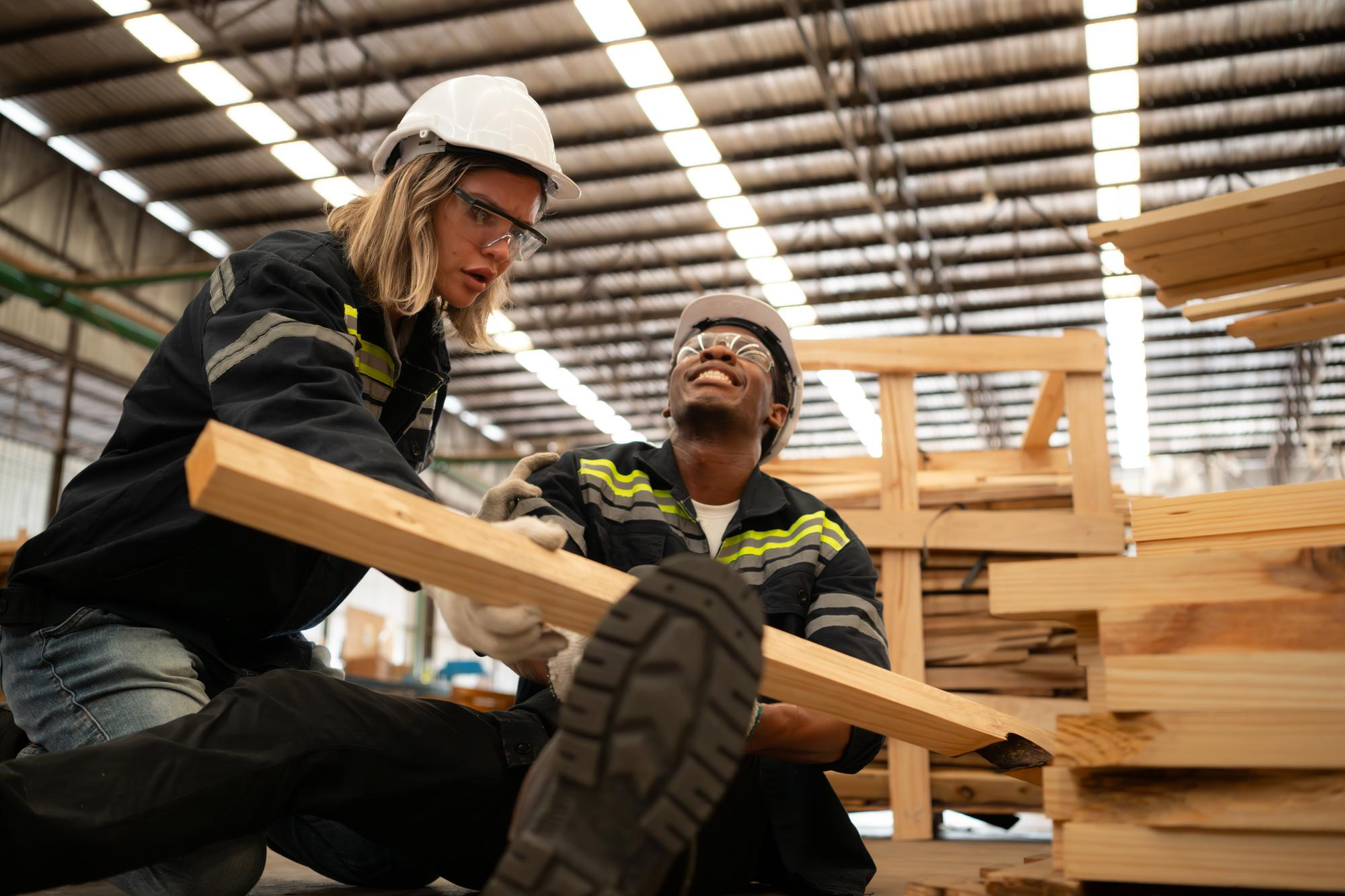
Original 04Download
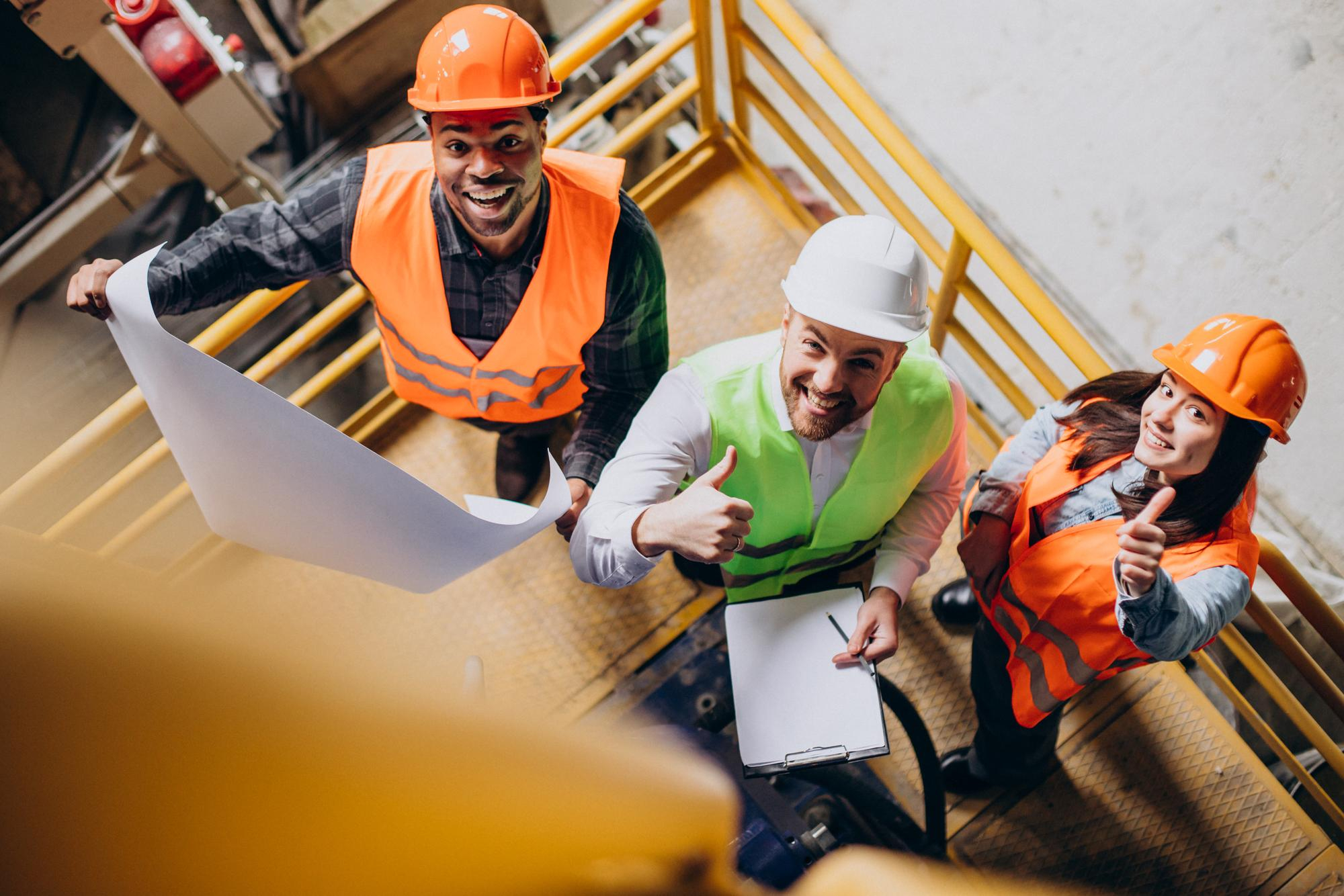
Original 05Download
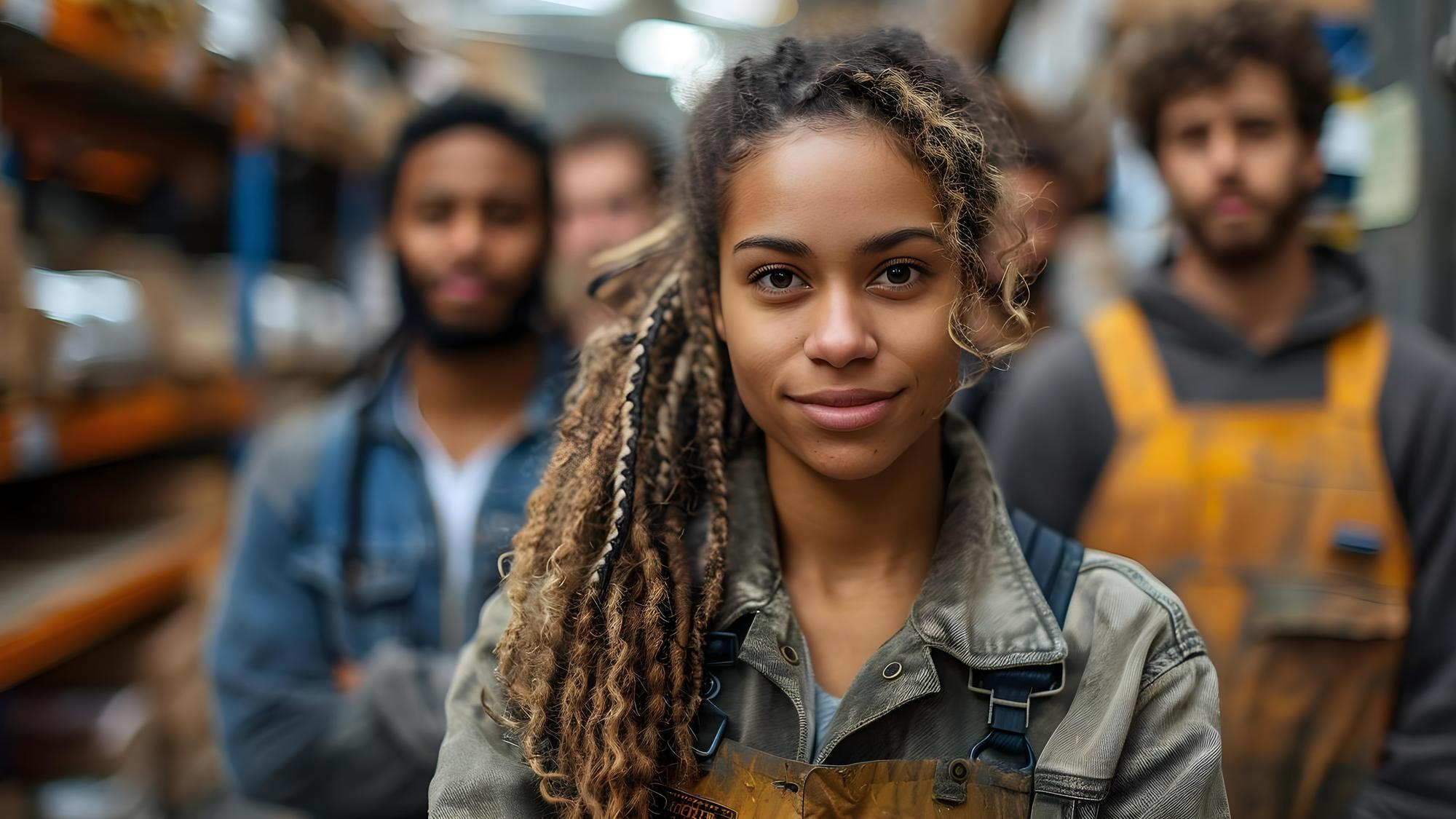
Original 06Download
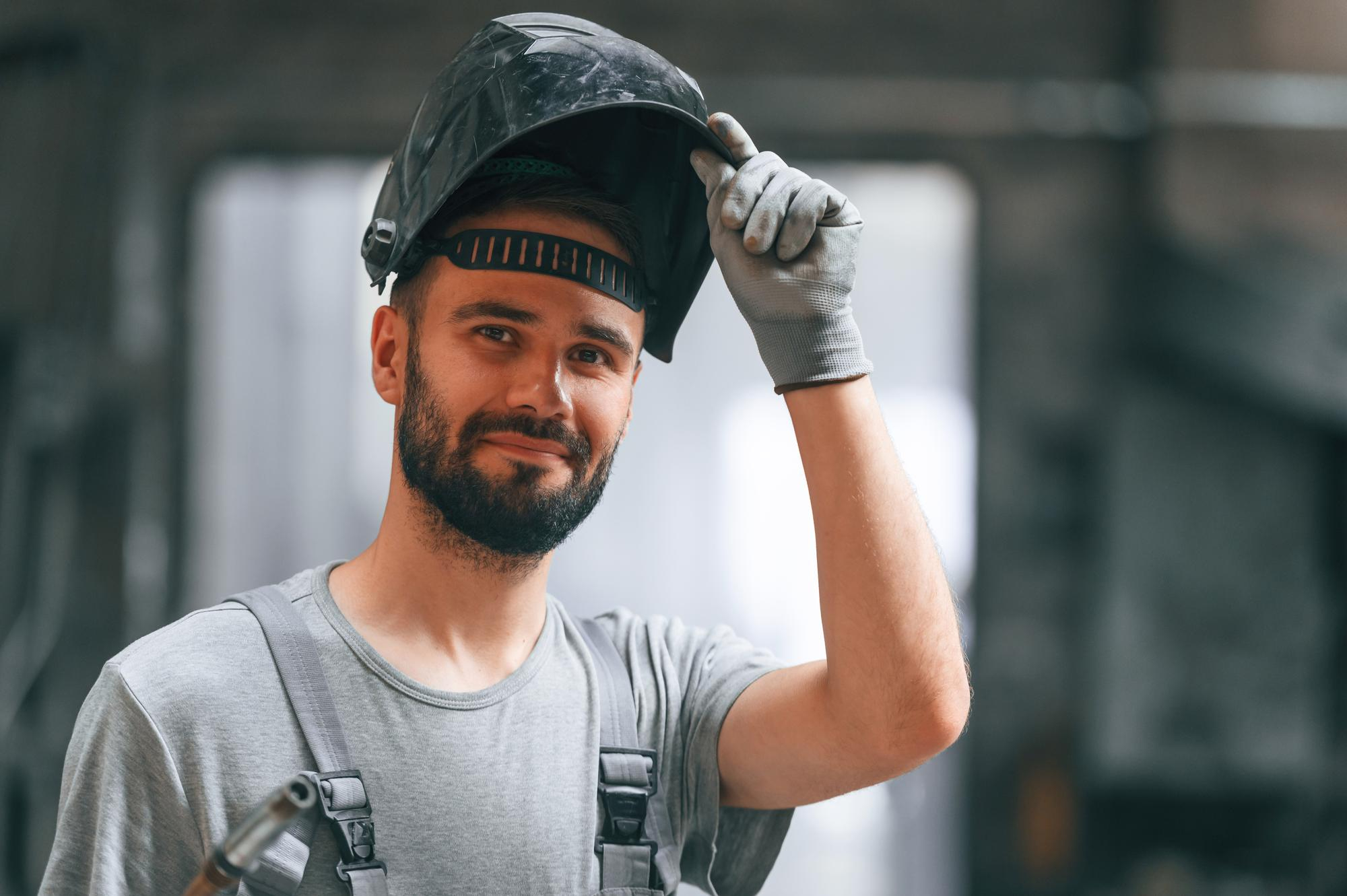
Original 07Download
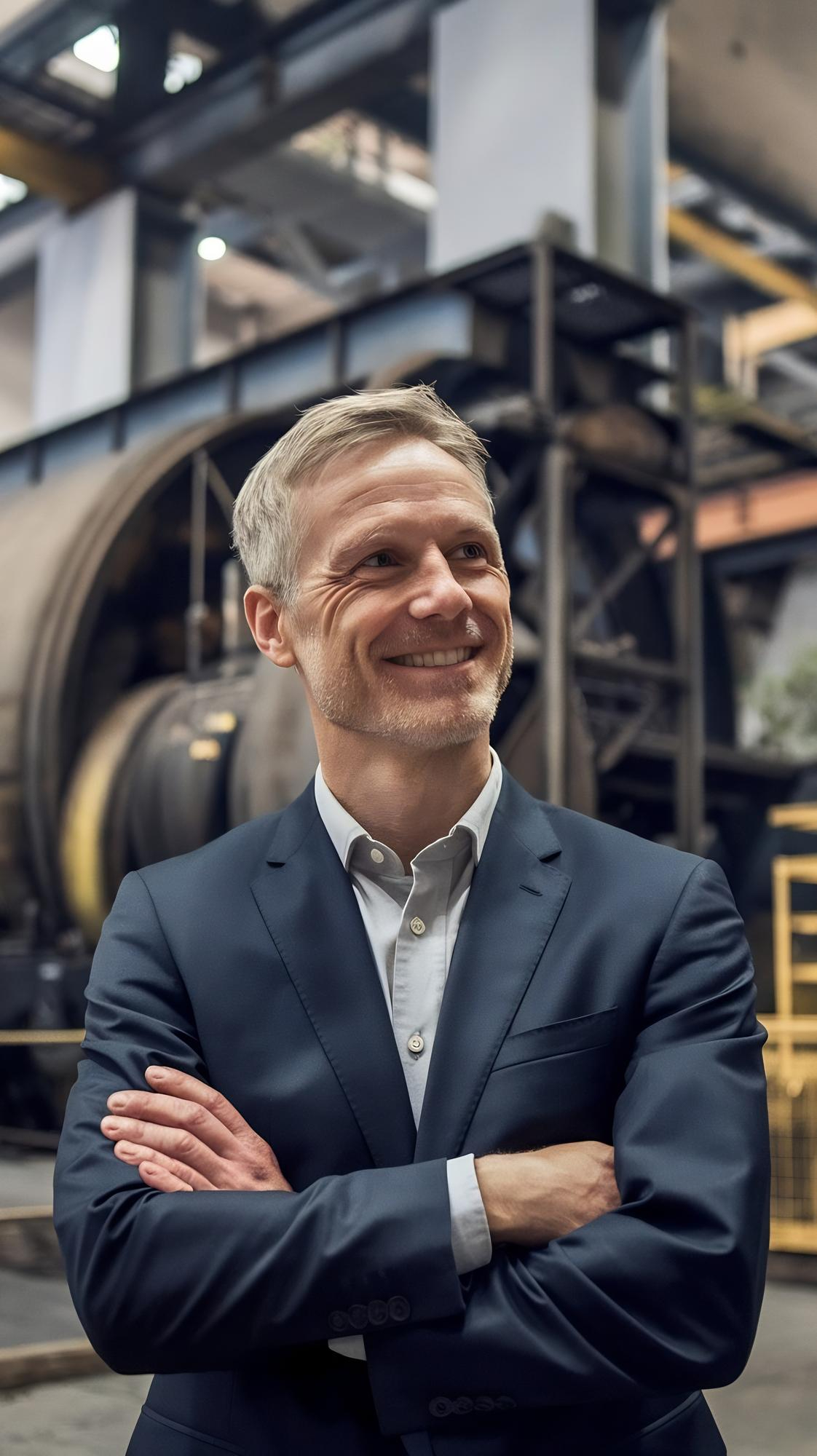
Original 08Download
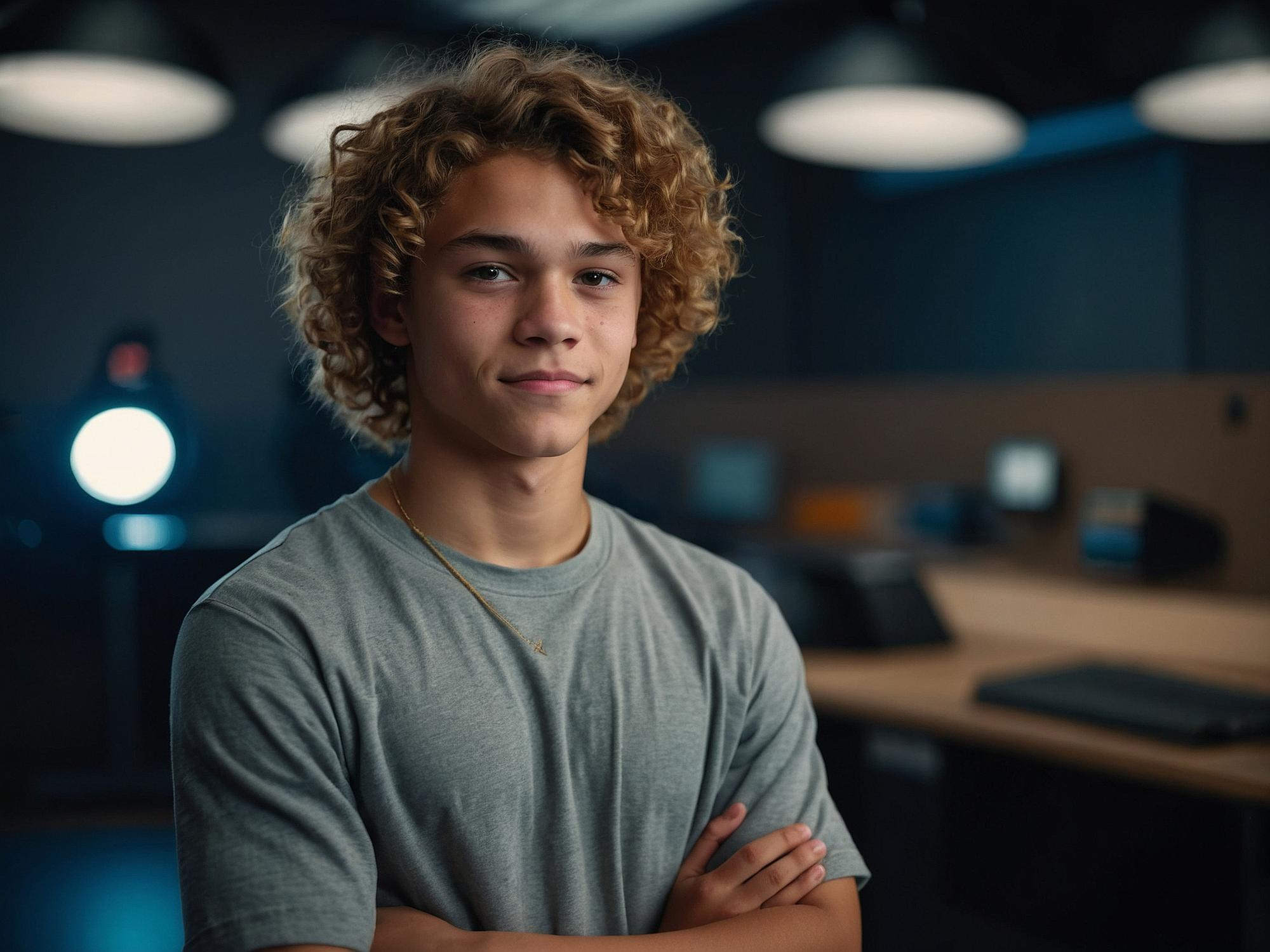
Original 09Download
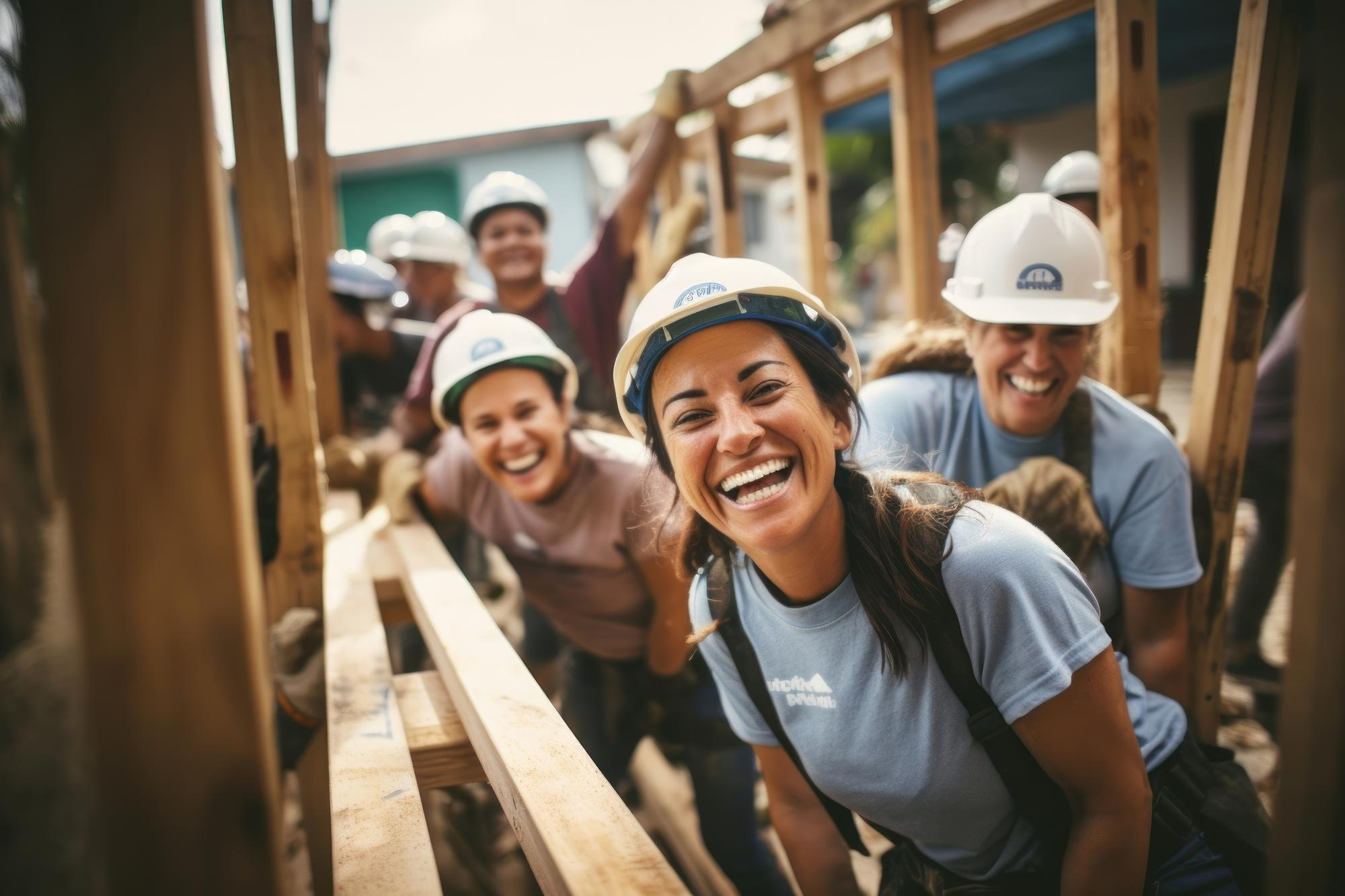
Original 10Download
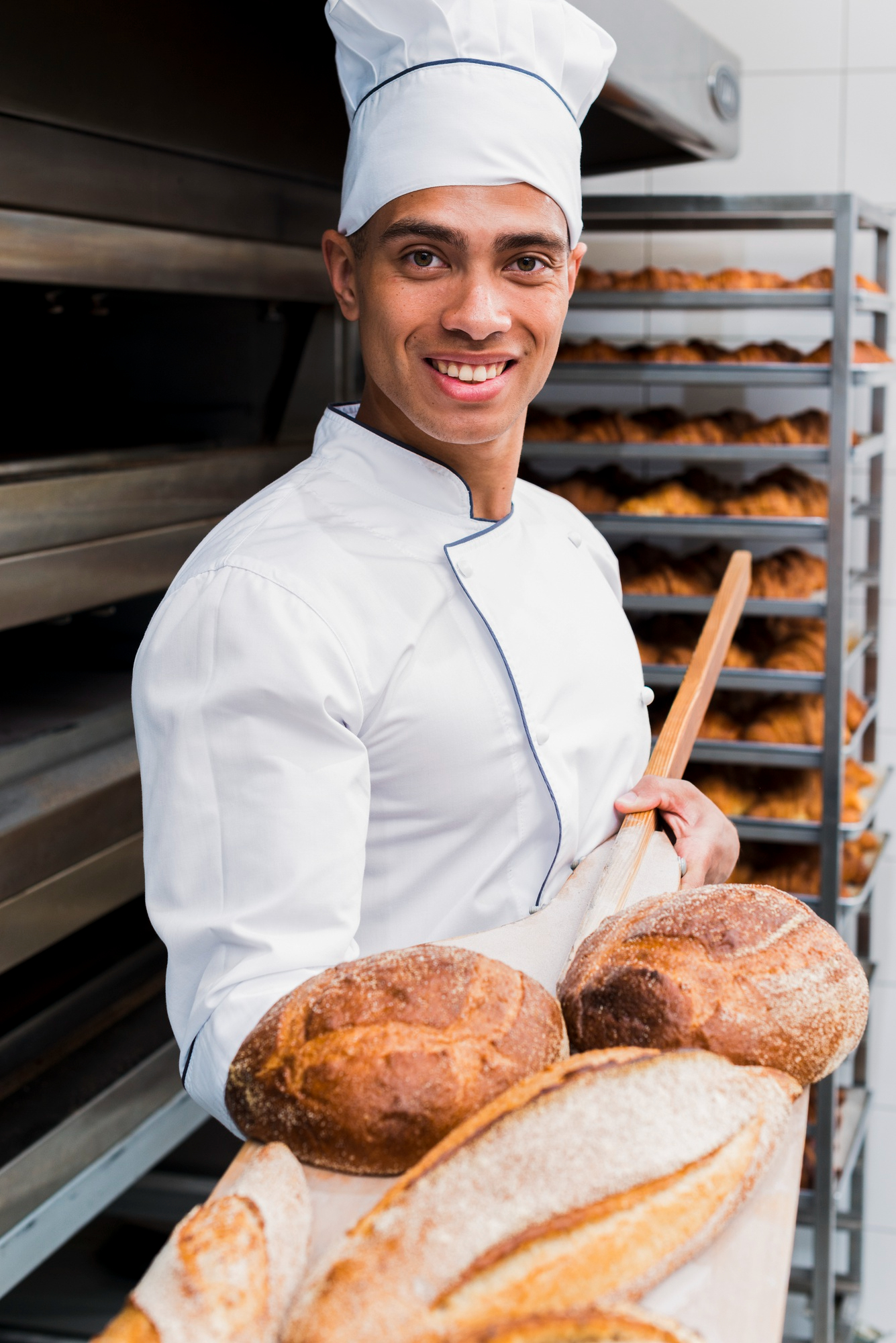
Original 11Download
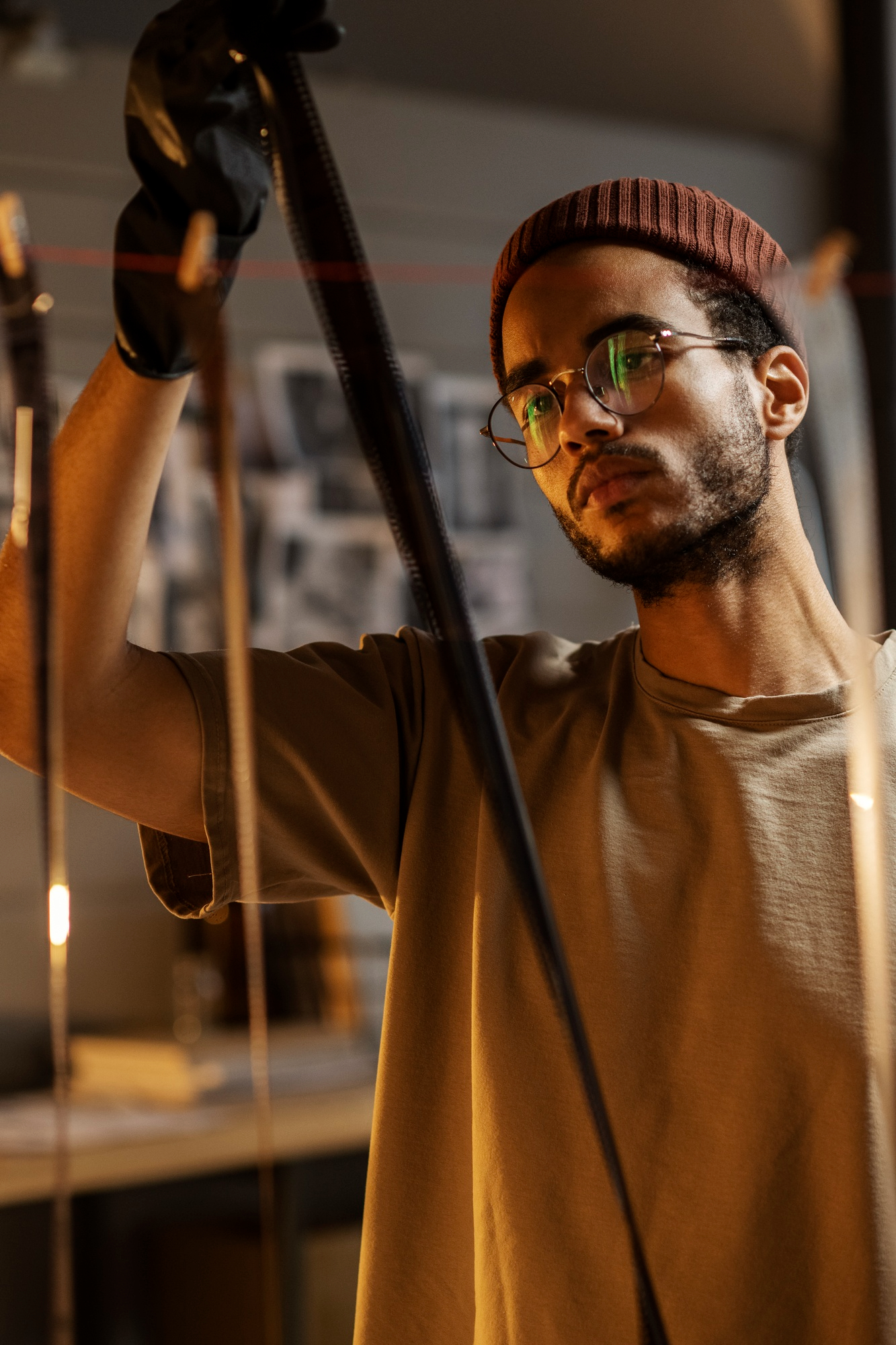
Original 12Download
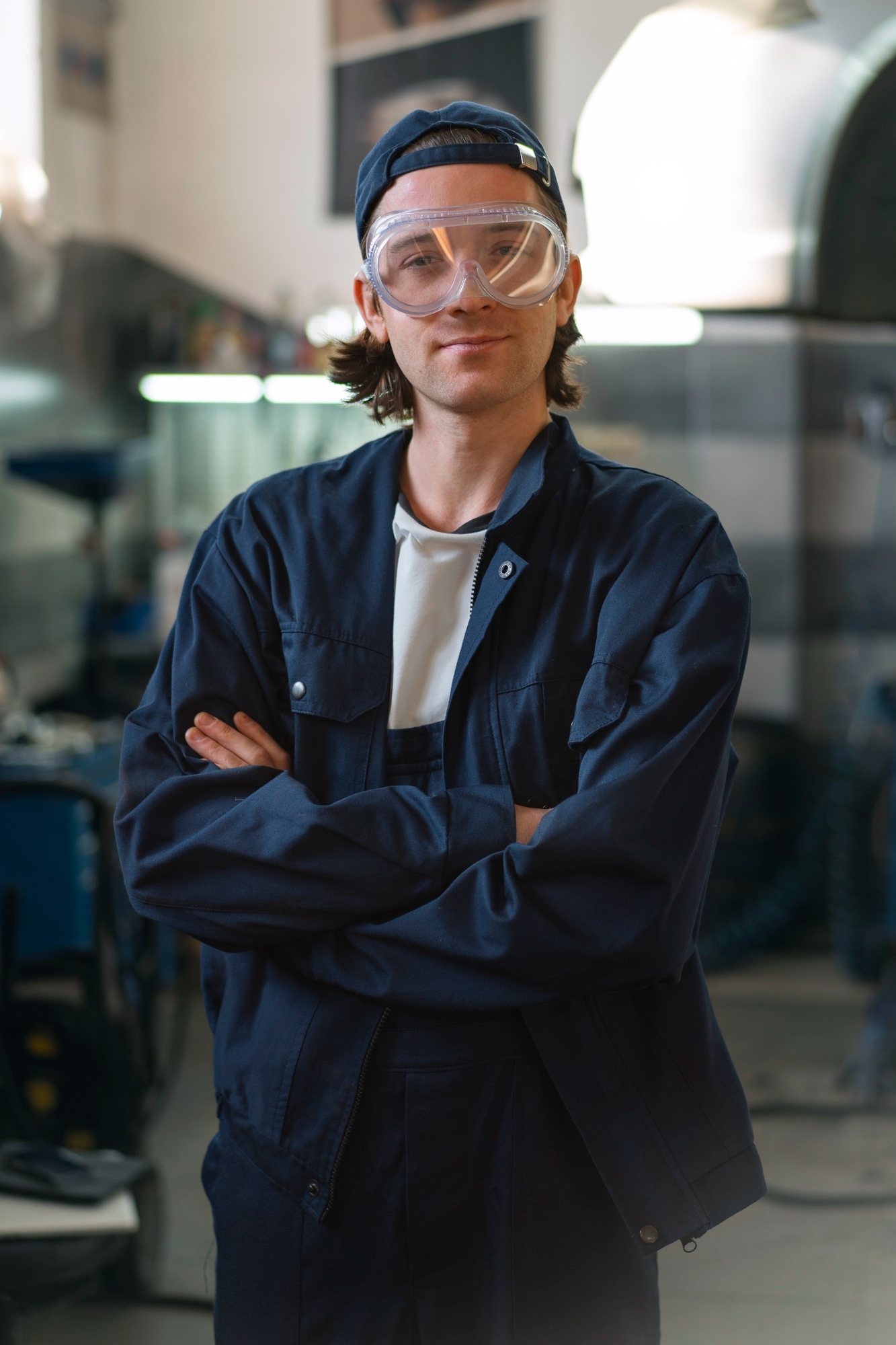
Original 13Download
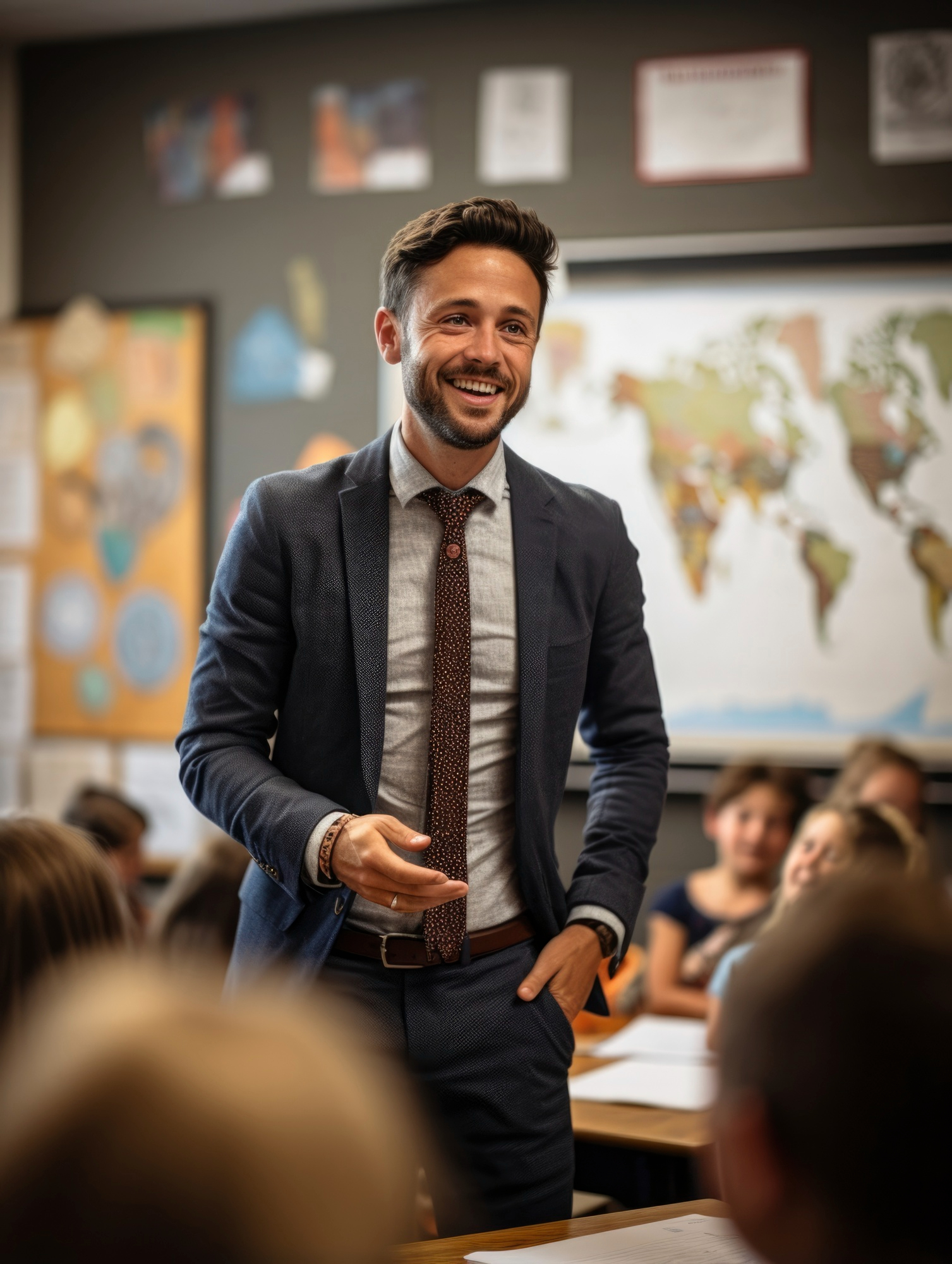
Original 14Download
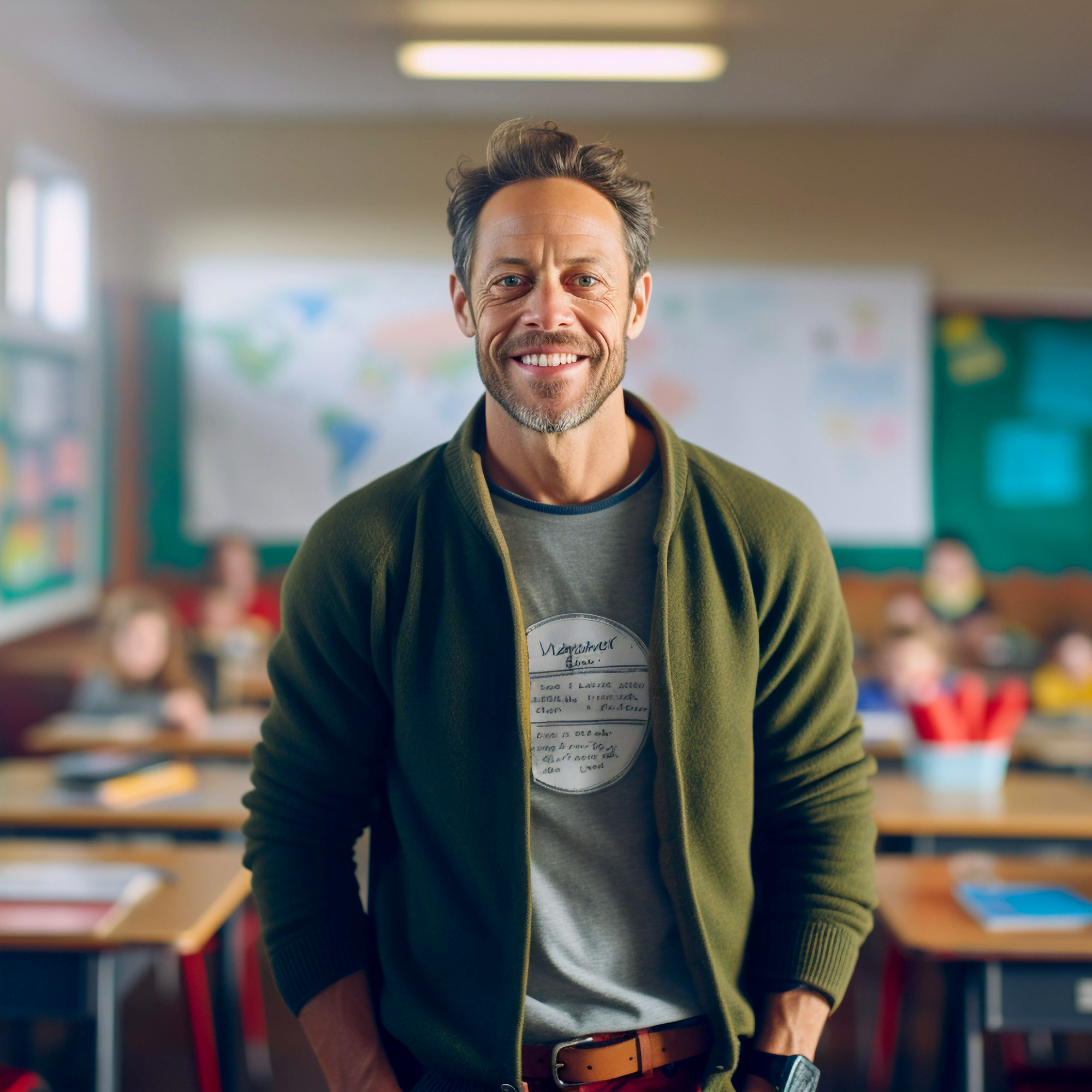
Original 15Download
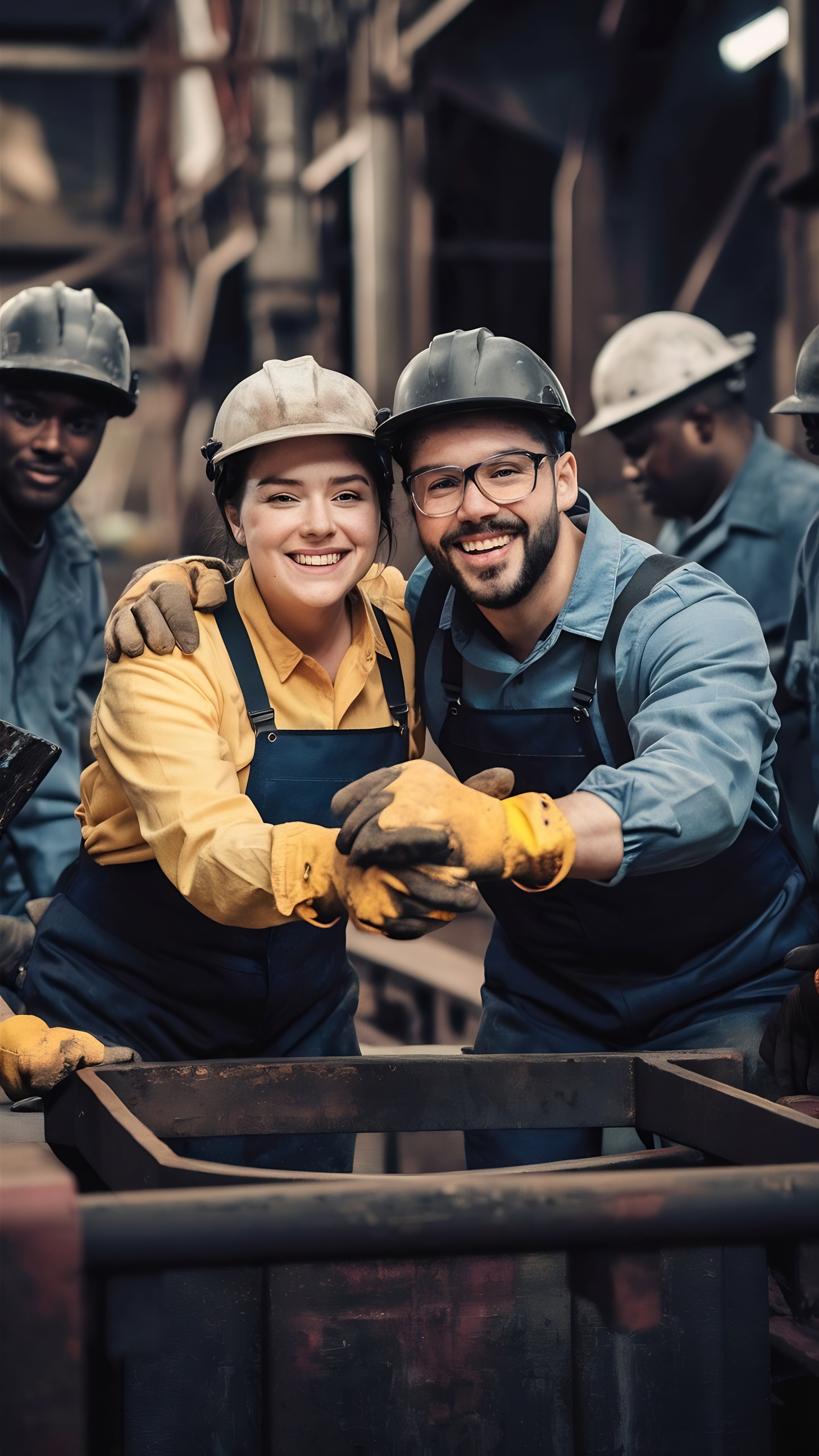
Original 16Download
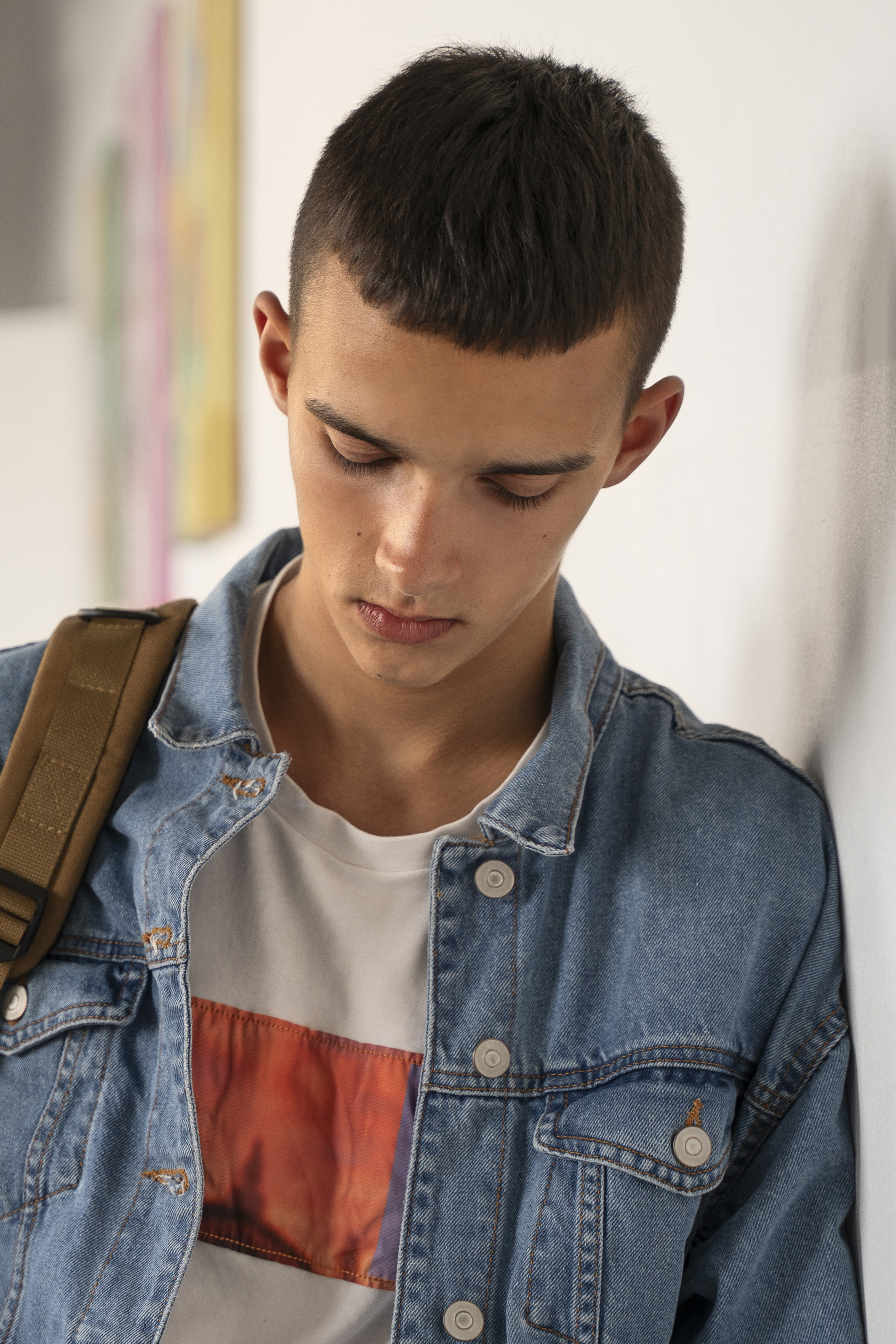
Original 17Download
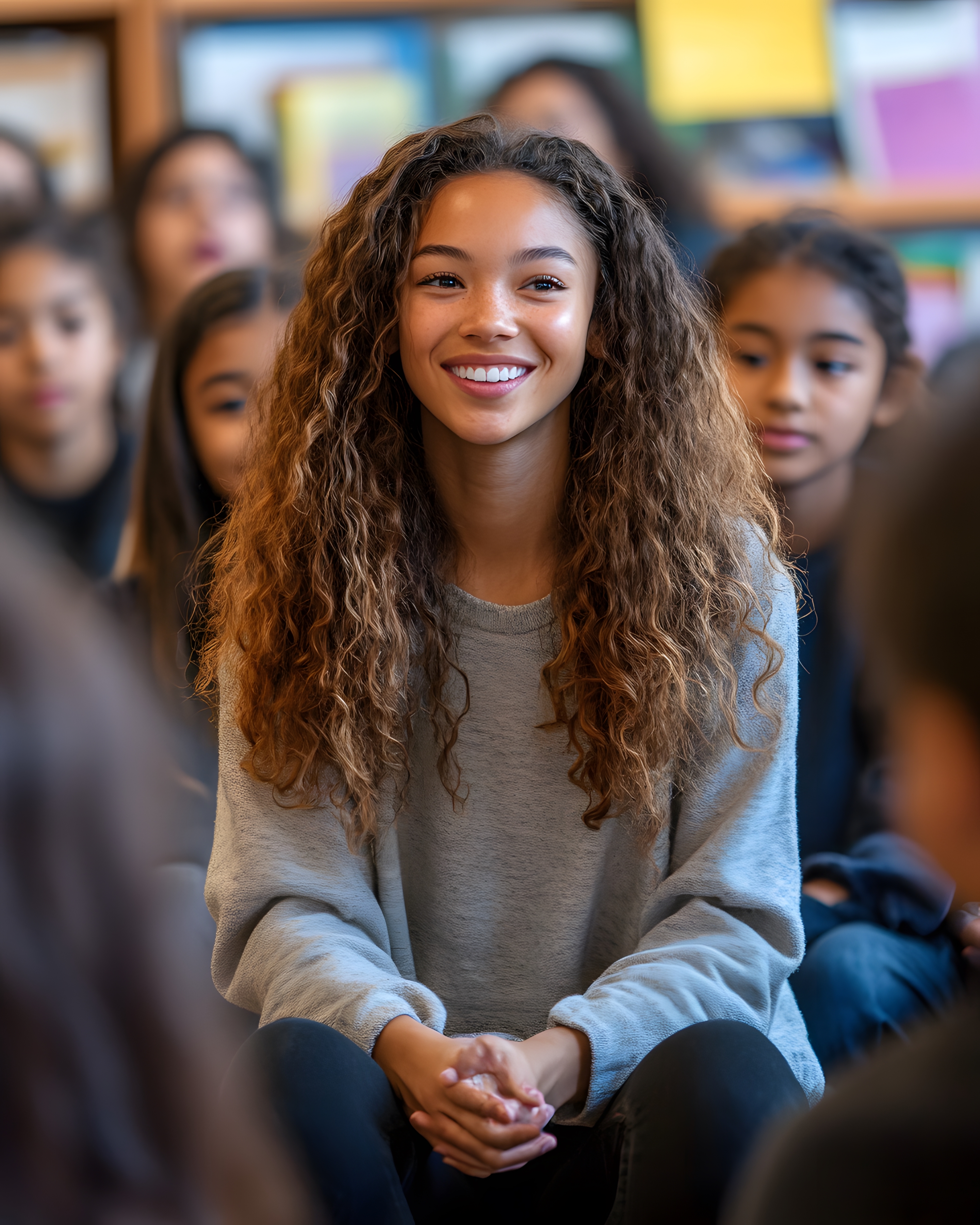
Original 18Download
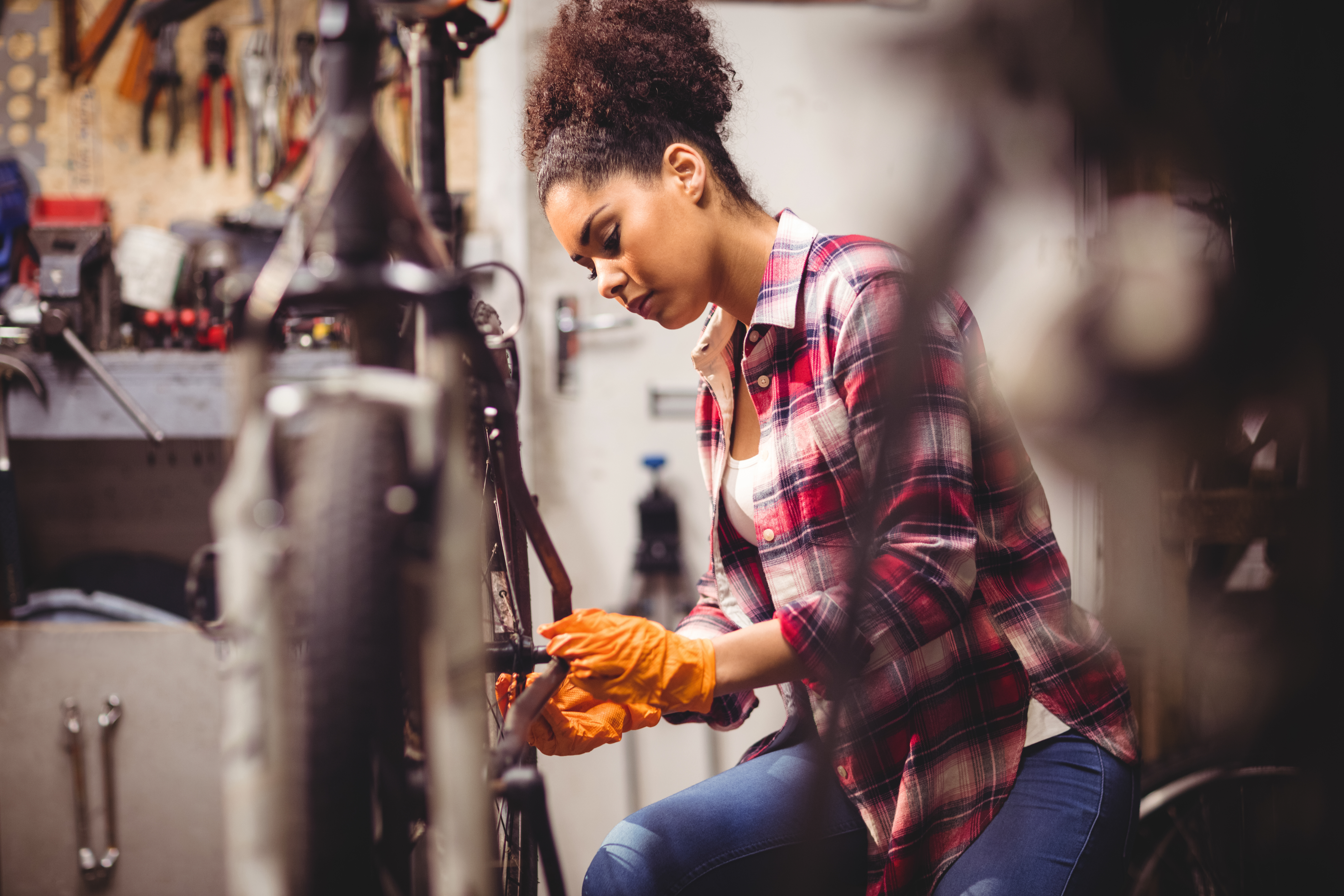
Original 19Download
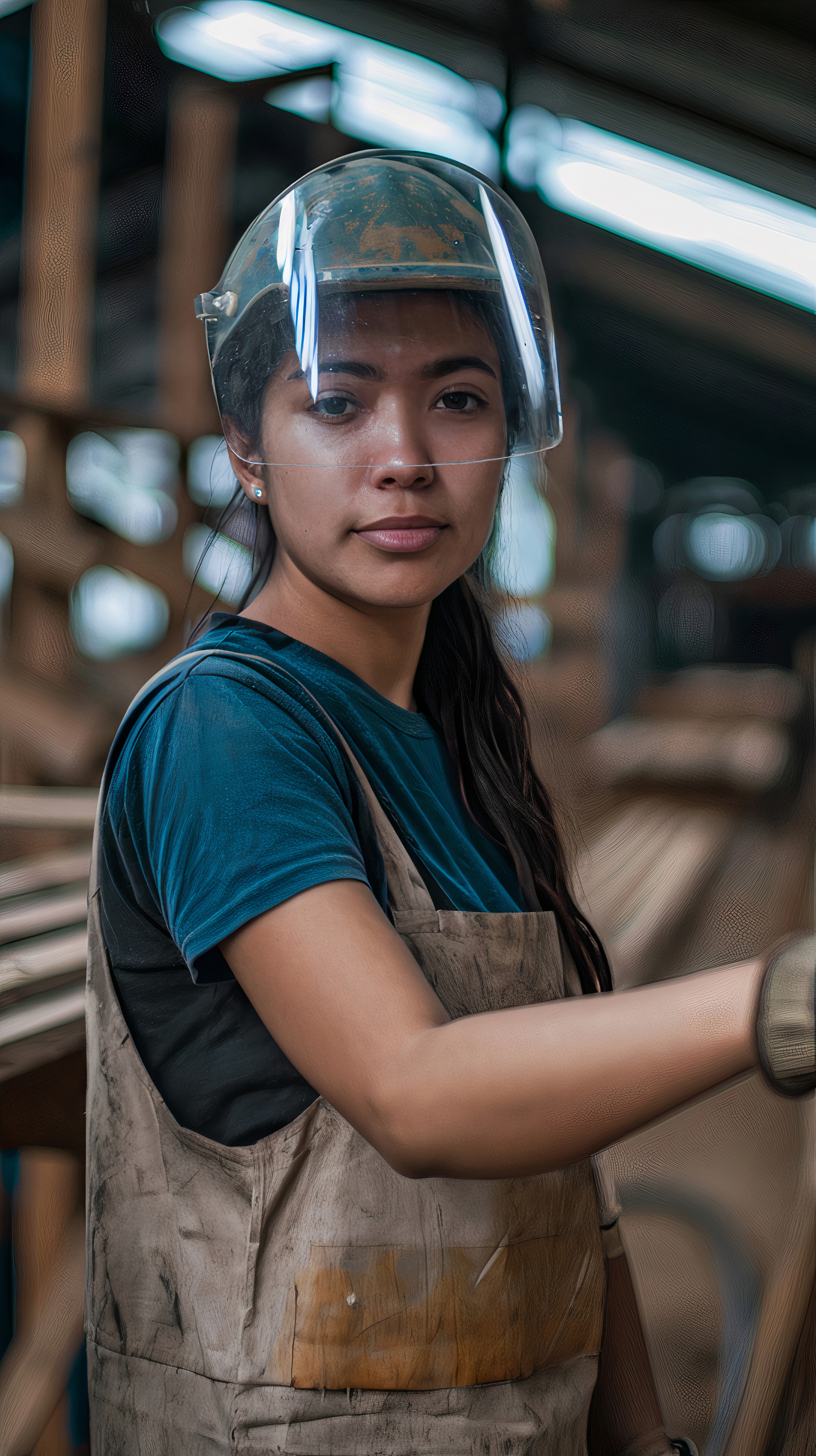
Original 20Download
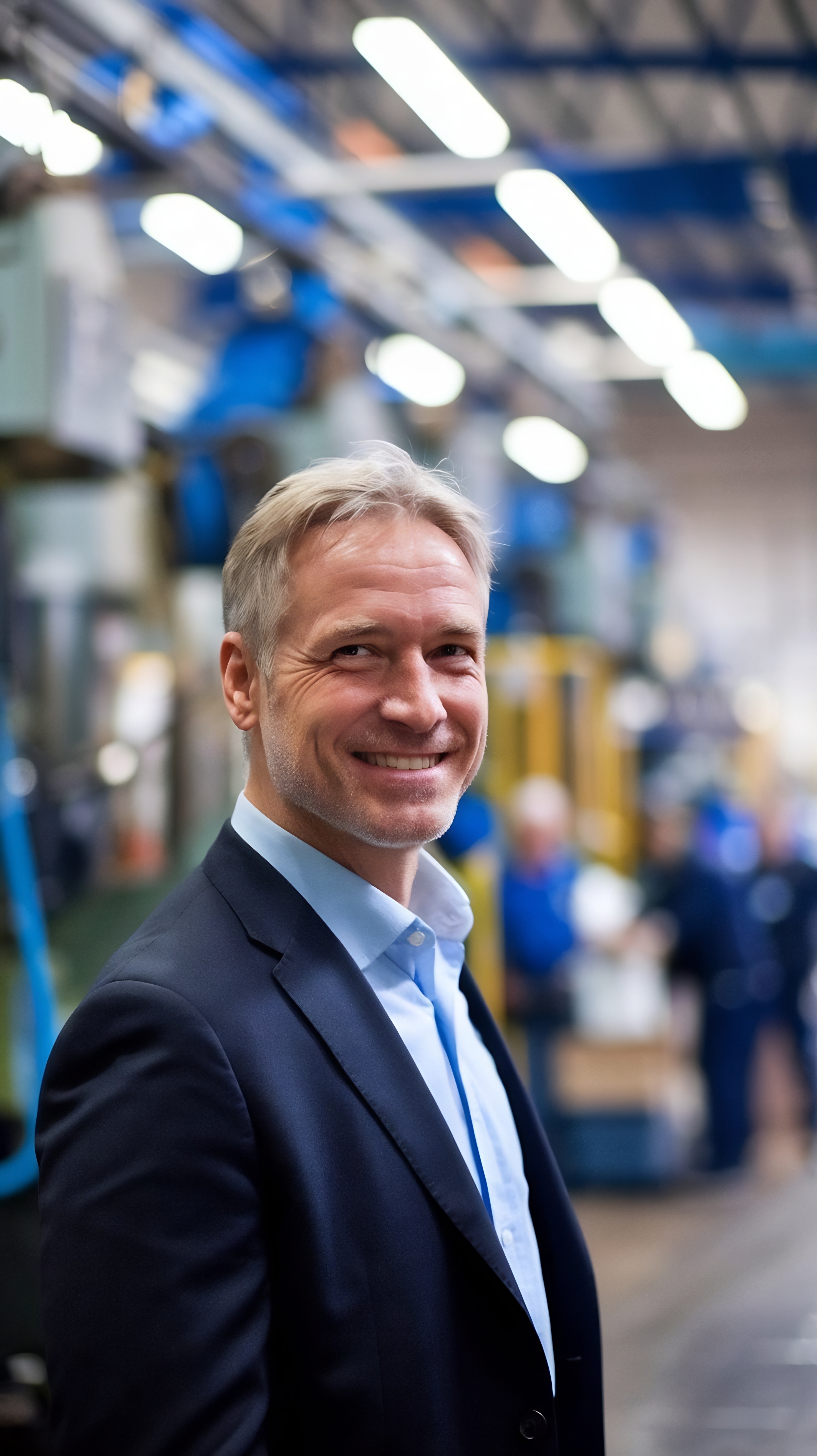
Original 21Download
Apply the filter yourself
Filter source filesPhotoshop and Illustrator files to apply the brand filter. 2 files.
Do
- Choose real moments over posed ones.
- Look for calm space where headline text can sit.
- Apply the brand filter when photo colors drift from the palette.
Don't
- Use stock-looking, staged smiles.
- Show people as victims or in desperate moments.
- Run text over a busy area without a filter behind it.
Every file in this folder47 files
| Type | File | Size | |
|---|---|---|---|
| Apply Filters | |||
| ai | Photo Filter.ai | 5.9 MB | Download |
| psd | Photos Filter.psd | 11.5 MB | Download |
| Original Photos | |||
| jpg | 1.jpg | 1 MB | Download |
| jpg | 10.jpg | 944 KB | Download |
| jpg | 11.jpg | 1.5 MB | Download |
| jpg | 12.jpg | 1.8 MB | Download |
| jpg | 13.jpg | 1.3 MB | Download |
| jpg | 14.jpg | 1.5 MB | Download |
| jpg | 15.jpg | 2.1 MB | Download |
| jpg | 16.jpg | 5 MB | Download |
| jpg | 17.jpg | 5.6 MB | Download |
| jpg | 18.jpg | 4.9 MB | Download |
| jpg | 19.jpg | 16 MB | Download |
| jpg | 2.jpg | 699 KB | Download |
| jpg | 20.jpg | 6.5 MB | Download |
| jpg | 21.jpg | 5 MB | Download |
| jpg | 3.jpg | 1 MB | Download |
| jpg | 4.jpg | 1.1 MB | Download |
| jpg | 5.jpg | 1.3 MB | Download |
| jpg | 6.jpg | 1024 KB | Download |
| jpg | 7.jpg | 675 KB | Download |
| jpg | 8.jpg | 739 KB | Download |
| jpg | 9.jpg | 827 KB | Download |
| Photos With Filters applied/CMYK 300dpi | |||
| jpg | Legacy 2026 Photos CMYK_1.jpg | 3.6 MB | Download |
| jpg | Legacy 2026 Photos CMYK_10.jpg | 1.7 MB | Download |
| jpg | Legacy 2026 Photos CMYK_11.jpg | 2.2 MB | Download |
| jpg | Legacy 2026 Photos CMYK_12.jpg | 2.6 MB | Download |
| jpg | Legacy 2026 Photos CMYK_2.jpg | 2.6 MB | Download |
| jpg | Legacy 2026 Photos CMYK_3.jpg | 2.9 MB | Download |
| jpg | Legacy 2026 Photos CMYK_4.jpg | 2.9 MB | Download |
| jpg | Legacy 2026 Photos CMYK_5.jpg | 4.1 MB | Download |
| jpg | Legacy 2026 Photos CMYK_6.jpg | 3.3 MB | Download |
| jpg | Legacy 2026 Photos CMYK_7.jpg | 2.8 MB | Download |
| jpg | Legacy 2026 Photos CMYK_8.jpg | 1.7 MB | Download |
| jpg | Legacy 2026 Photos CMYK_9.jpg | 1.9 MB | Download |
| Photos With Filters applied/RGB 72dpi | |||
| jpg | Legacy 2026 Photos_1.jpg | 156 KB | Download |
| jpg | Legacy 2026 Photos_10jpg.jpg | 305 KB | Download |
| jpg | Legacy 2026 Photos_12.jpg | 239 KB | Download |
| jpg | Legacy 2026 Photos_13.jpg | 145 KB | Download |
| jpg | Legacy 2026 Photos_2.jpg | 121 KB | Download |
| jpg | Legacy 2026 Photos_3.jpg | 212 KB | Download |
| jpg | Legacy 2026 Photos_4.jpg | 257 KB | Download |
| jpg | Legacy 2026 Photos_5.jpg | 272 KB | Download |
| jpg | Legacy 2026 Photos_6.jpg | 166 KB | Download |
| jpg | Legacy 2026 Photos_7.jpg | 234 KB | Download |
| jpg | Legacy 2026 Photos_8.jpg | 151 KB | Download |
| jpg | Legacy 2026 Photos_9.jpg | 314 KB | Download |